125
Chapter 3 Application Development Information
3
Easy Setup
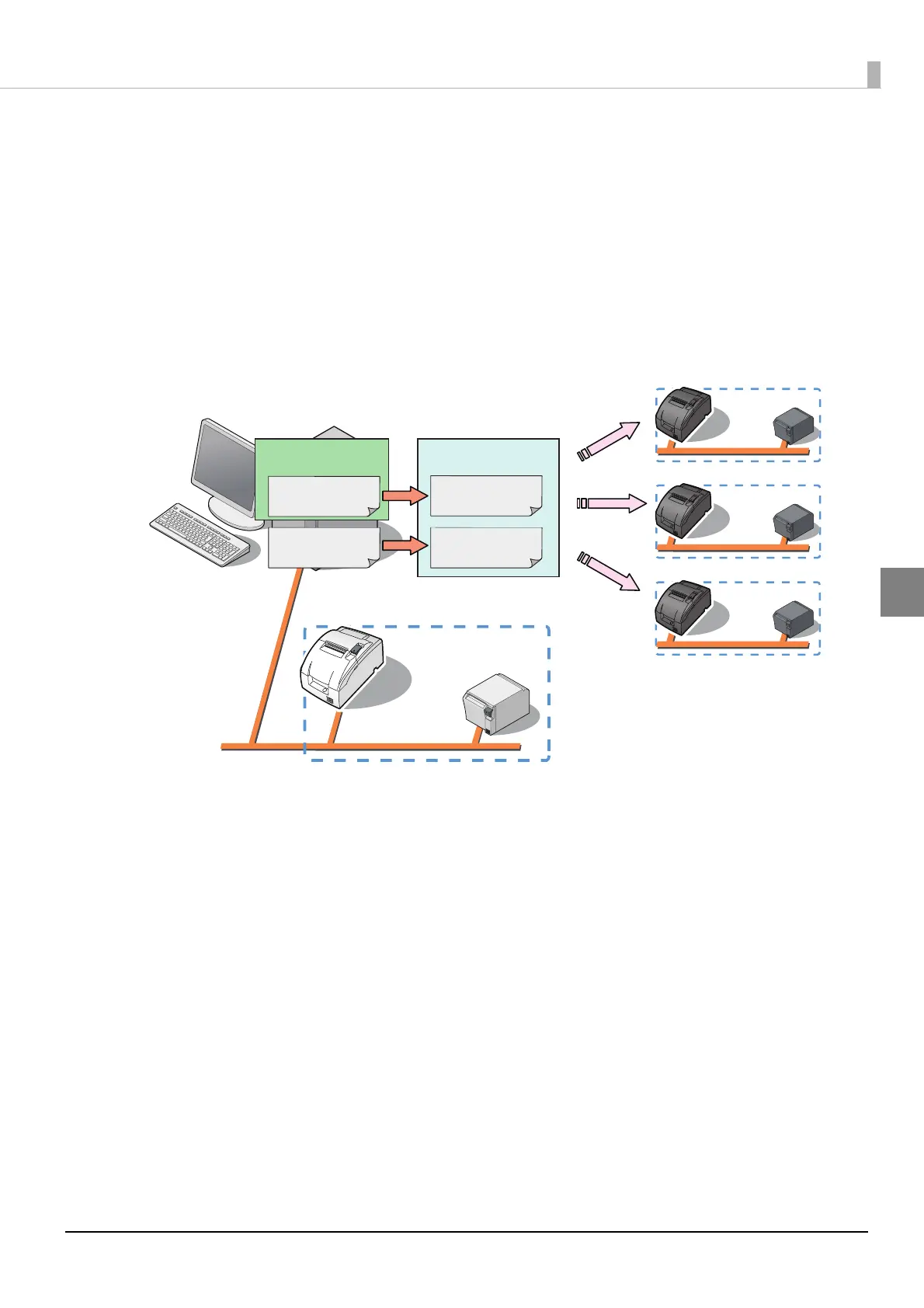
Easy setup is a function that allows you to set the EPSON TMNet WebConfig by simply inserting a
USB memory stick and turning on the power. The USB memory stick should contain a file
(setting.ini) with the setting values for EPSON TMNet WebConfig and a file with web content.
When a TM printer connected from TM-i via t
he network is used, it is also possible to configure the
network settings such as the IP address for the TM printer at the same time.
For detail, refer to “TM-i series Easy Setup Guide”.
USB Memory
EasyKittingUtility.xls
setting.ini file
-WebConfig
-IP address
setting.ini file
-WebConfig
-IP address
Web contents file Web contents file



 To Next Page
 Loading...