29
Chapter 2 Setup
2
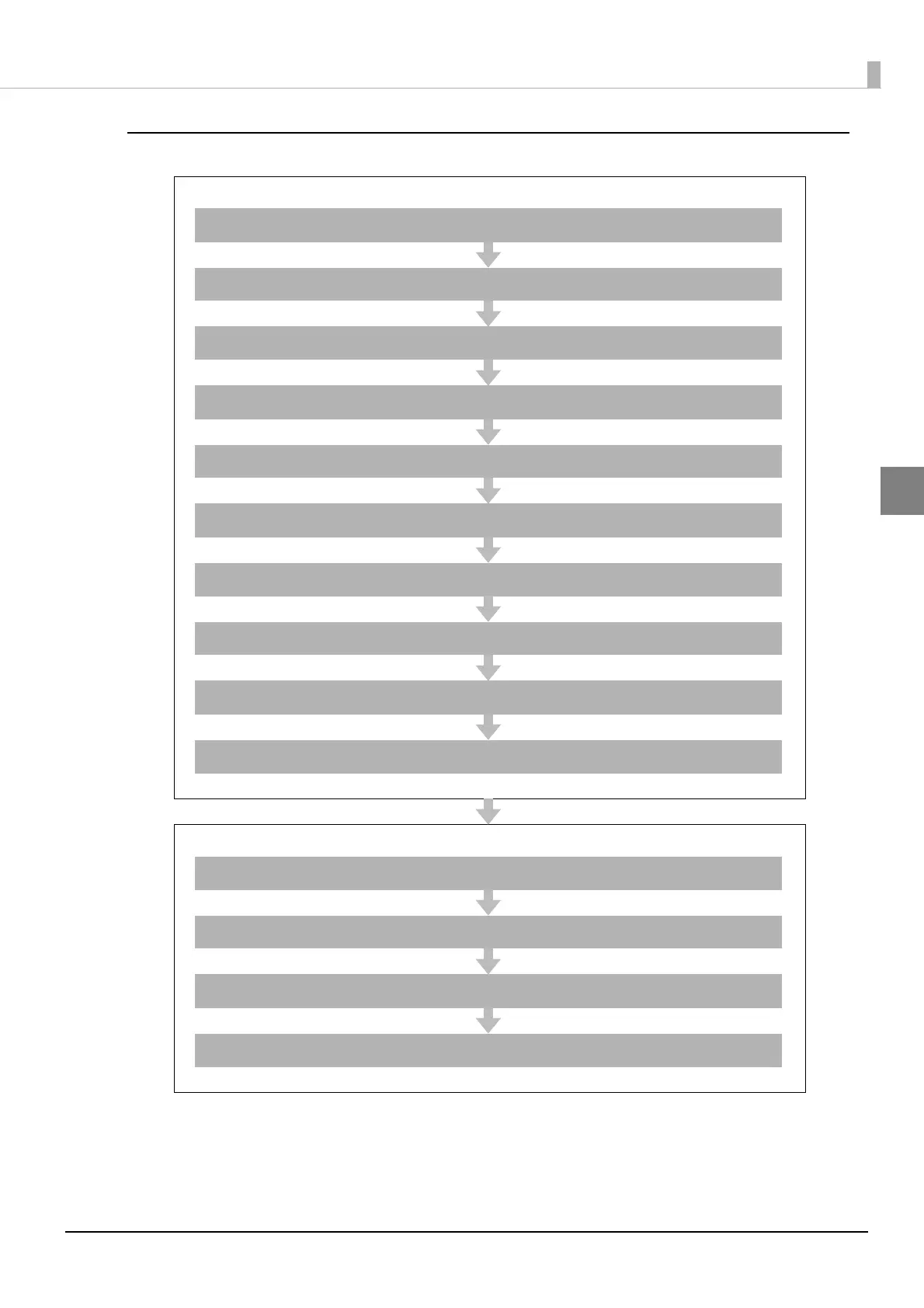
Using This Product as a Web Server
Settings for Printer
Installing the Product ( page 30)
Changing the Paper Width ( page 43)
Adjusting the Paper Roll Near-End Sensor ( page 46)
Installing the microSD Card ( page 49)
Connecting the Product to the Network ( page 50)
Connecting the Peripherals ( page 53)
Connecting the AC Adapter ( page 57)
Attaching the Power Switch Cover ( page 58)
Setting the DIP Switches ( page 59)
Setting the Memory Switches ( page 62)
Settings for EPSON TMNet WebConfig
Network Setting ( page 65)
Enabling HTTPS Communication ( page 71)
Enabling PHP ( page 70)
Registering Web Contents ( page 75)



 To Next Page
 Loading...