Operation 2. TEACH Mode
62 TP1 Rev.5
(6)
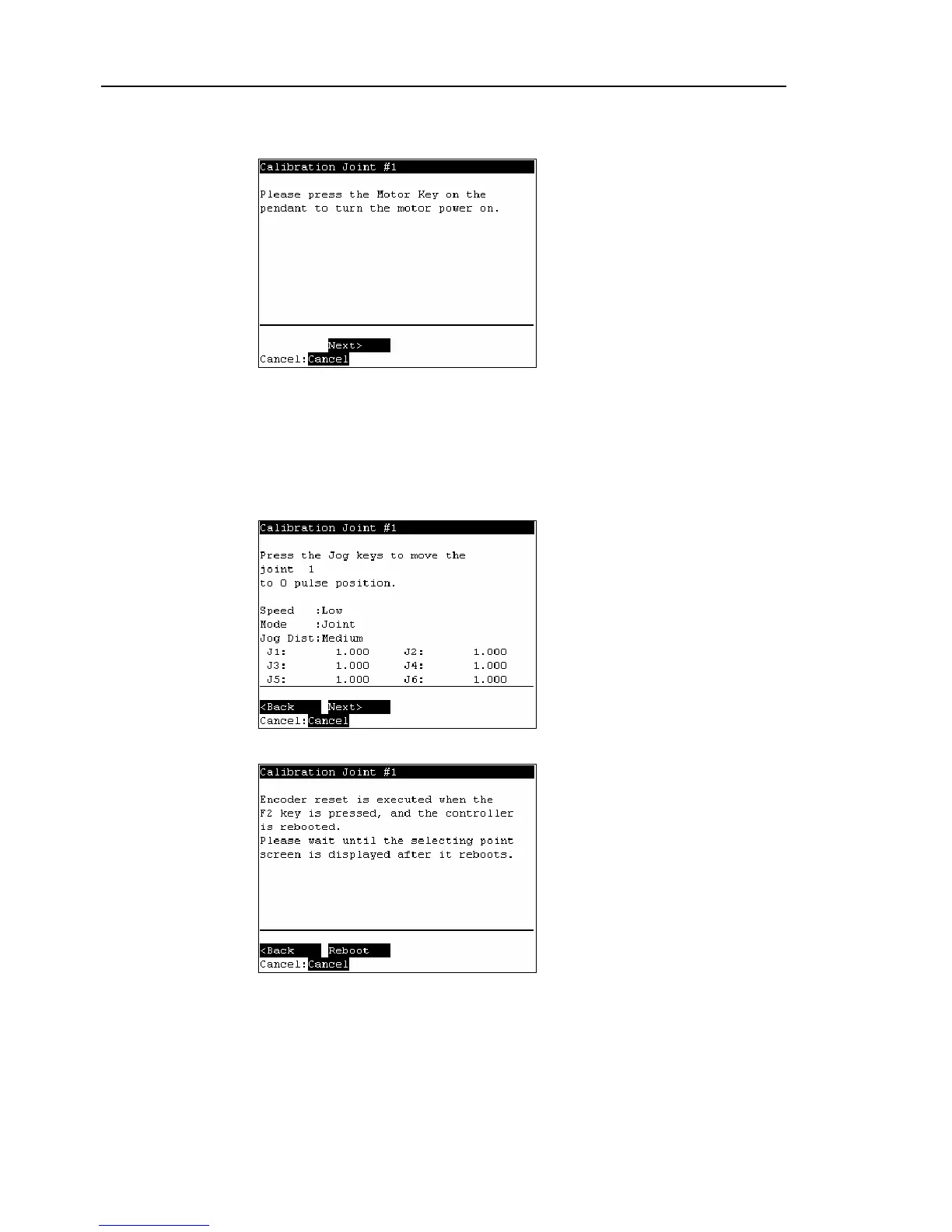
The Controller reboots and the following screen appears.
Press the <Motor> key to turn ON the motor. Press the <F2> key.
(7)
The following screen appears.
Press the Jog key and move the joint close to 0 pulse.
When the joint does not move to 0 pulse, move the joint to the set basic pose marked
in Setup & Operation Setting the Basic Pose for Calibration in the Manipulator
manual.
Press the <F2> key.
(8)
The following screen appears. Press the <F2> key.



 To Next Page