6 • Working with ERBECRYO 2
42 / 80
80113-401_V24023
2023-05
Setting a timer
The timer provides various options for measuring the freeze interval:
Timer off
A freeze interval is not measured.
1. Press the selection button next to the Timer displayto call up the Timer menu.
2. Select No Timer with the selection buttons next to the up/down arrows.
3. Press the selection button next to OK on the display.
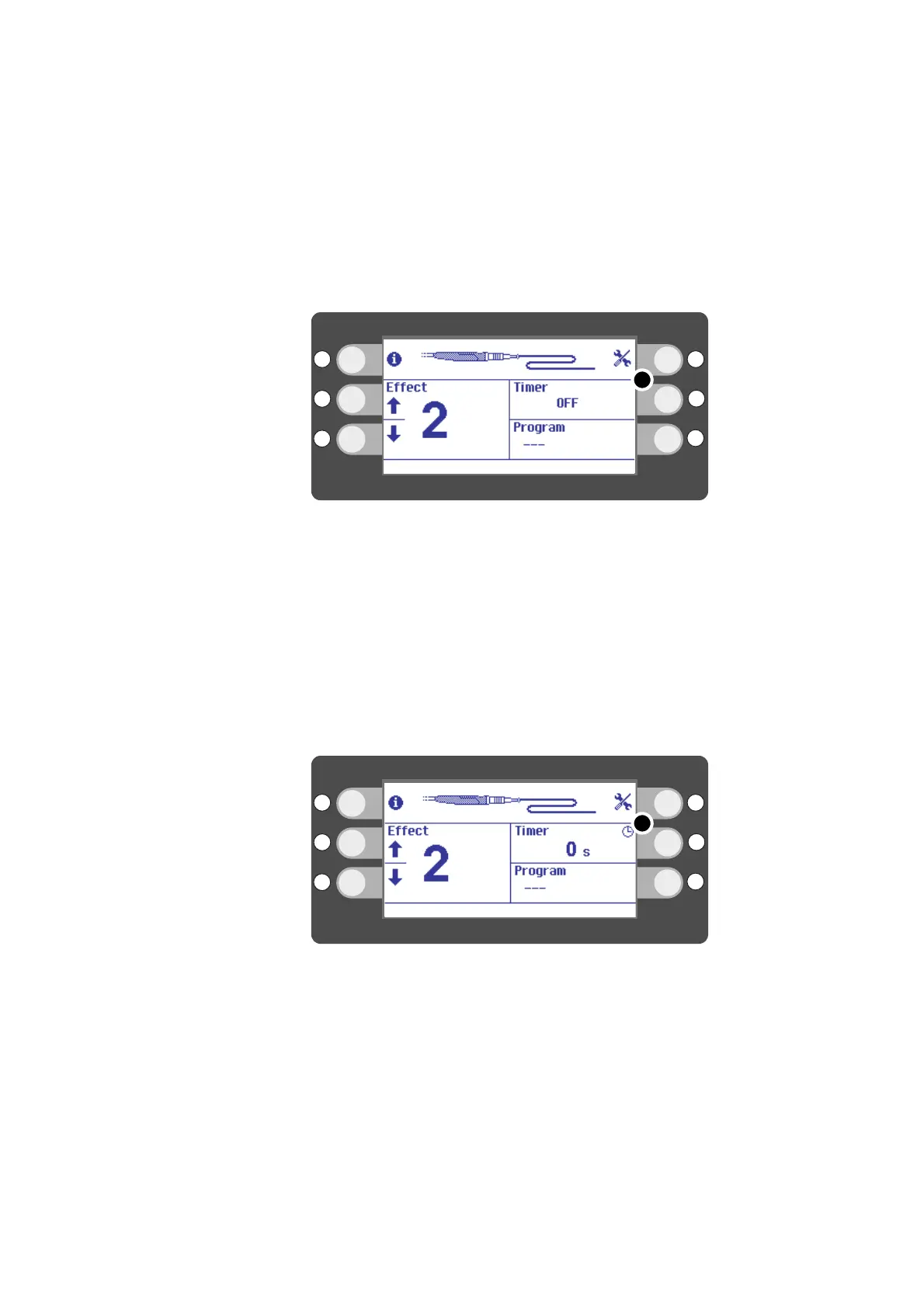
Fig. 6-5
In the Timer segment (4) in the main screen you will see: Timer OFF.
Count Up
With the footswitch pressed, you activate Freeze mode. The timer counts the freeze
interval in seconds. If you release the footswitch, the freeze interval remains visible on
the display. The next time it is activated, the timer begins again at 0 seconds.
1. Press the selection button next to the Timer displayto call up the Timer menu.
2. Select Count Up with the selection buttons next to the up/down arrows.
3. Press the selection button next to OK on the display.
Fig. 6-6
In the Timer segment (4) in the main screen you will see the Count Up icon.
Count Up & Beep
If you press the footswitch, you activate Freeze mode. The timer counts the freeze in-
terval in seconds. An acoustic signal sounds once every second. If you release the
footswitch, the freeze interval remains visible on the display. The next time it is acti
-
vated, the timer begins again at 0 seconds.
1. Press the selection button next to the Timer displayto call up the Timer menu.
2. Select Count Up & Beep with the selection buttons next to the up/down arrows.
3. Press the selection button next to OK on the display.



 To Next Page