12
User Manual
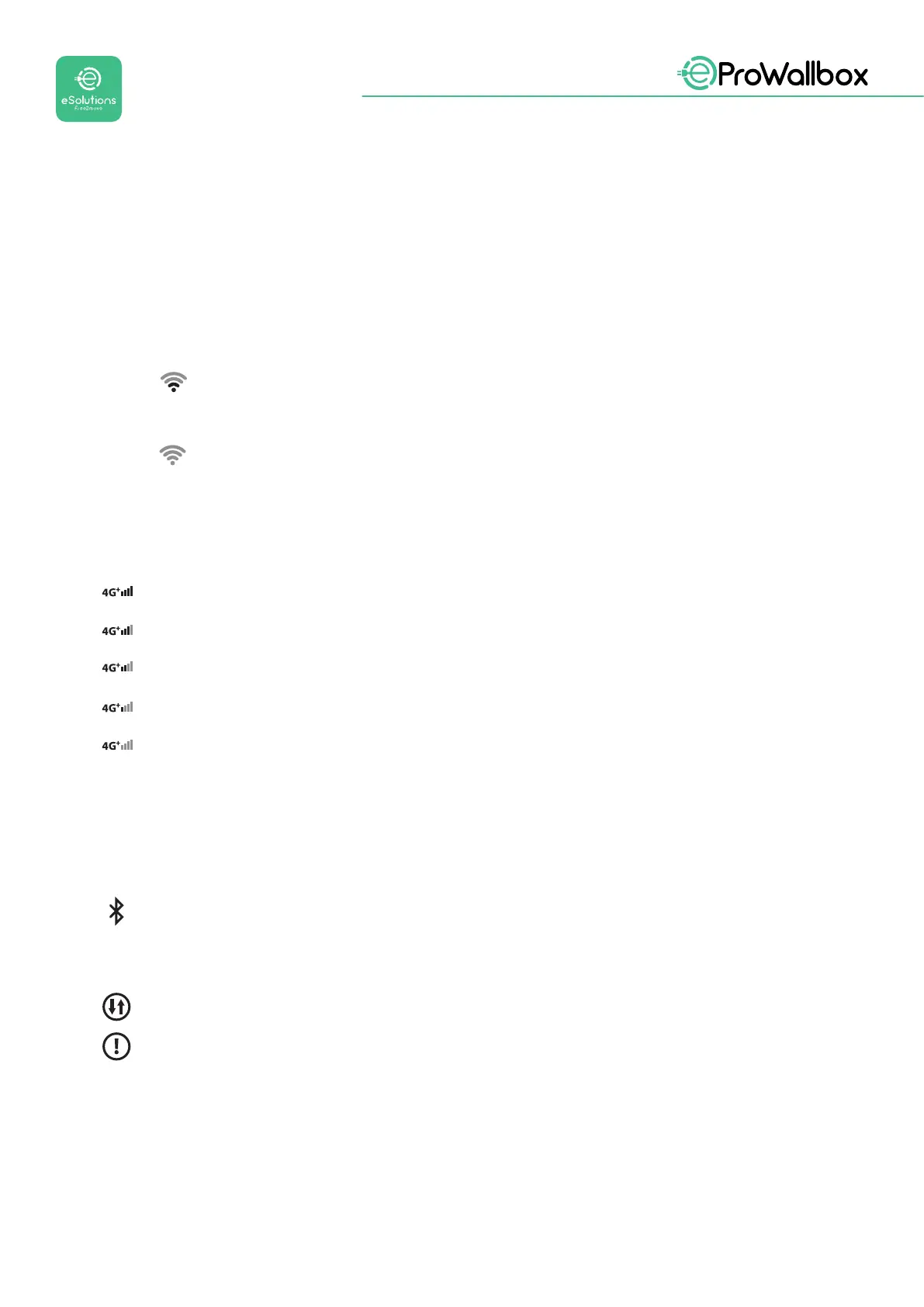
3.1 Wallbox display icons
3.1.1 WI-FI
• High Wi-Fi connection
• Good Wi-Fi connection
Low Wi-Fi connection
• Very Low Wi-Fi connection
NoWi-Ficonnection
IftheWi-Fiisnotcongured,noWi-Fiiconwillbedisplayed
3.1.2 4G LTE
High 4G LTE connection
Good 4G LTE connection
Low 4G LTE connection
Very Low 4G LTE connection
No4GLTEconnection
If the eProWallbox is set in Standalone operating mode, no 4G LTE icon will be
displayed (refer to chapter 4)
3.1.3 BLUETOOTH
Bluetooth Active
3.1.4 eSolutions control platform connection
eSolutions control platform (CPMS) connection is established
Connectivity issue to the eSolutions control platform (CPMS)


 To Next Page
 Loading...
