26
User Manual
6.3 Charging in Authentication mode (Autostart disabled)
IftheAuthenticationOperatingModeiscongured,thechargingsessioncanbe
authorizedintwomodes:withanassociatedRFIDcardorviatheapp.
• Thedisplayofthewallboxwillshow“authorizewiththeapportherd
card” when it is ready for charging.
• Insert the plug of the charging cable into the socket on the device, until it
is fully engaged.
• Insert the plug of the Type 2 cable in the charge port of the electric vehicle.
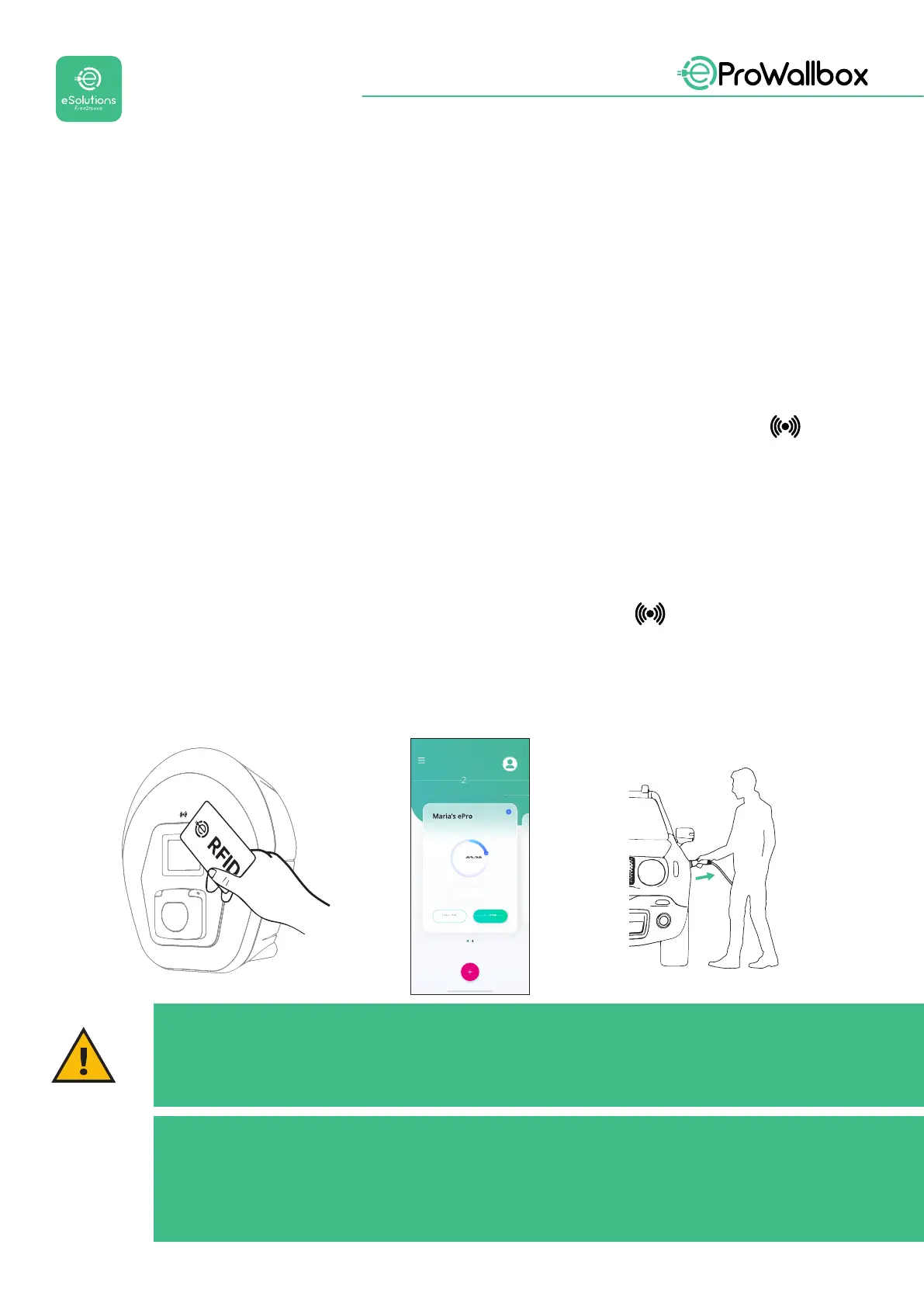
• Pass the associated RFID card over the eProWallbox reader , or if
connected, start remotely via app.
• Charge the vehicle.
• When charging is complete or the charging process needs to be stopped,
therearethreepossiblewaystostopthechargingsession:
• From the vehicle (e.g. unlocking the doors), then unplug the connector
from the vehicle and from eProWallbox
• Pass the associated RFID card over the reader oneProWallbox, the
session will stop and the socket in use will be unlocked.
• From eSolutions Charging app, press STOP and remove the connector
from the vehicle and from eProWallbox.
• The product returns to its initial state, ready for a new charging session.
Via Corradori 22 - Milano
00:02:30
View more
Devices
STOP
CHARGING
CAUTION
At the end of the charging sessions, unplug the charging cable from
both the appliance and the vehicle and store it in a safe place.
NOTICE
It is possible to stop the charging session via the eSolutions Charging
app only when eProWallbox is connected, so when Standalone mode
is disabled (refer to chapter 5.2 Operating modes).


 To Next Page
 Loading...
