16
User Manual
NOTE
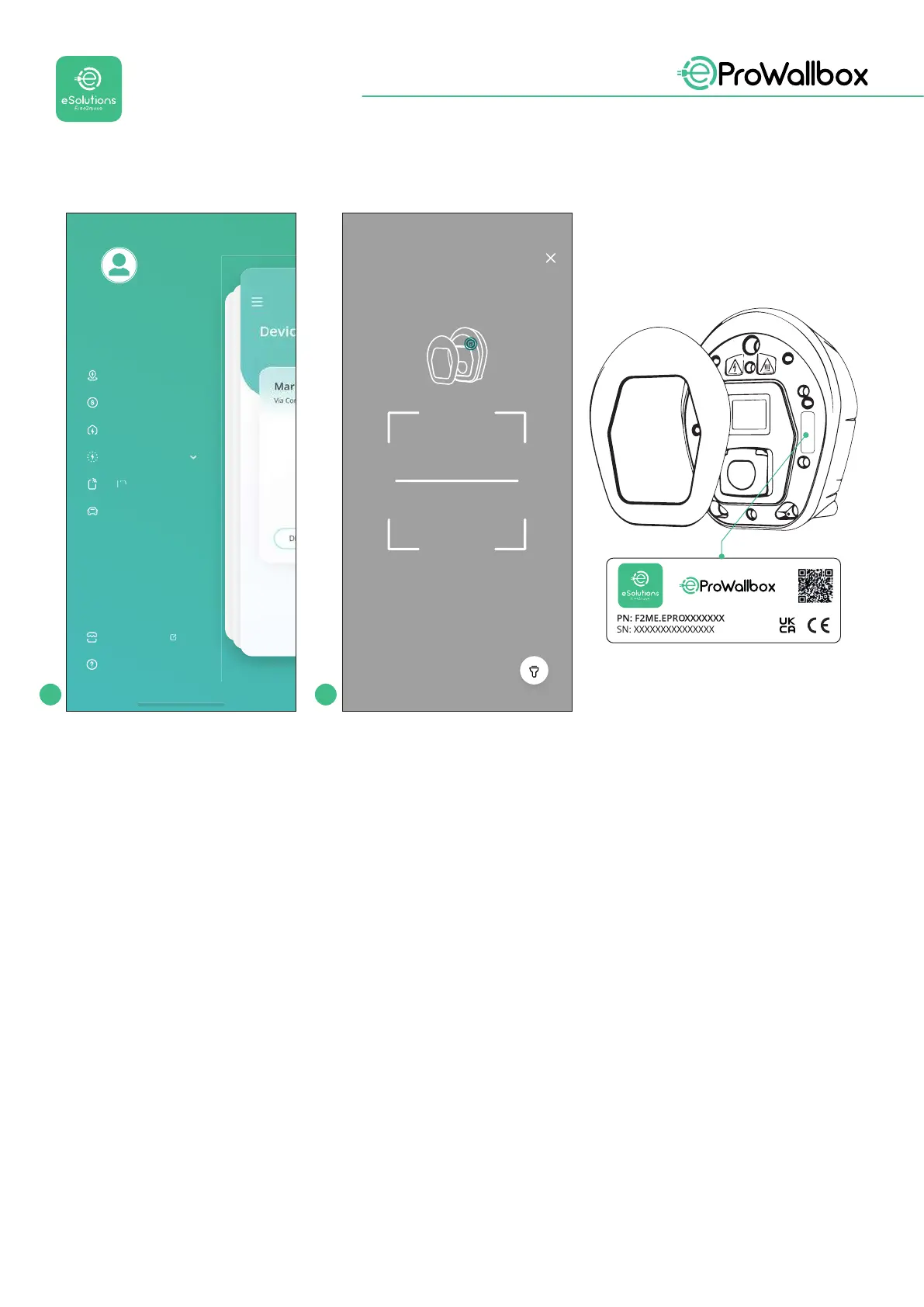
This pairing enables all the features, such as data collection, monitoring and analysis.
The eSolutions Charging app allows you to pair more than one eProWallbox with
oneprole,allowinguserstomanageallthewallboxesinasingletouchpoint.
5.2 Operating modes
It’s possible to congure eProWallbox to work in dierent operating modes,
changingthechargeauthorizationandconnectivityoptions.Itispossibletochange
the operating modes with the Autostart and Standalone toggles in the eSolutions
Charging app.
Authorization to charge
ispossibleintwodierentways:
• Autostart (default factory setting): when Autostart is enabled, the
authorizationtochargeisautomaticandthechargingsessionstartsby
simply connecting the charging cable.
1 2
User
rofil
Sess
ons H
stor
har
e in
ubli
Charge at home
T
ri
anagemen
arag
arket
lac
el
Scanning will start automaticall
Place the QR code inside the frame


 To Next Page
 Loading...
