24
User Manual
• Keep the charging cable out of the reach of children.
• Be careful not to step on the connector or cable.
6.2 First charging in default factory setting
(Autostart and connected)
eProWallboxisconguredwithAutostartOperatingModeenabledasthedefault
setting.Followthestepsbelowtostartachargingsession:
• The display of the wallbox must say “Ready to plug in”, meaning eProWallbox
is ready for charging (see Chapter 5.4 eProWallbox display screens).
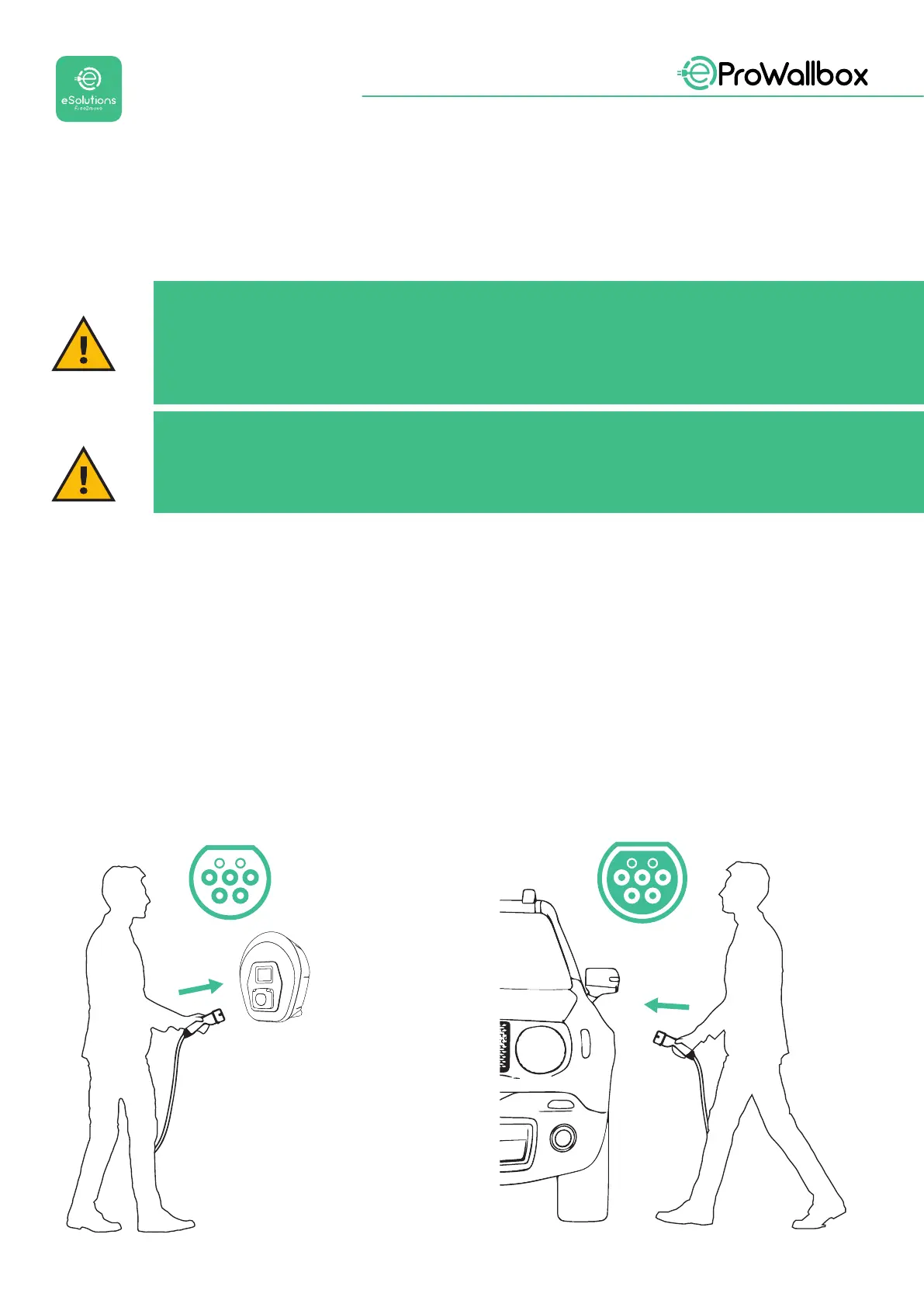
• Insert the plug of the charging cable into the socket on the device until it is
fully engaged.
• Insert the plug of the Type 2 cable into the Charge Port of the electric vehicle.
WARNING
Do not use adapters or extensions not specied by Free2move
eSolutions S.p.A. as they may damage the product and create safety
hazards for the user.
CAUTION
eProWallbox must only be used according to the operating parameters
specied and at an ambient temperature between -25 ºC and 50 ºC.


 To Next Page
 Loading...
