25
User Manual
• The appliance will lock the cable for the duration of the entire charging
session.
• The charging session starts, and charging information is displayed on the
display.
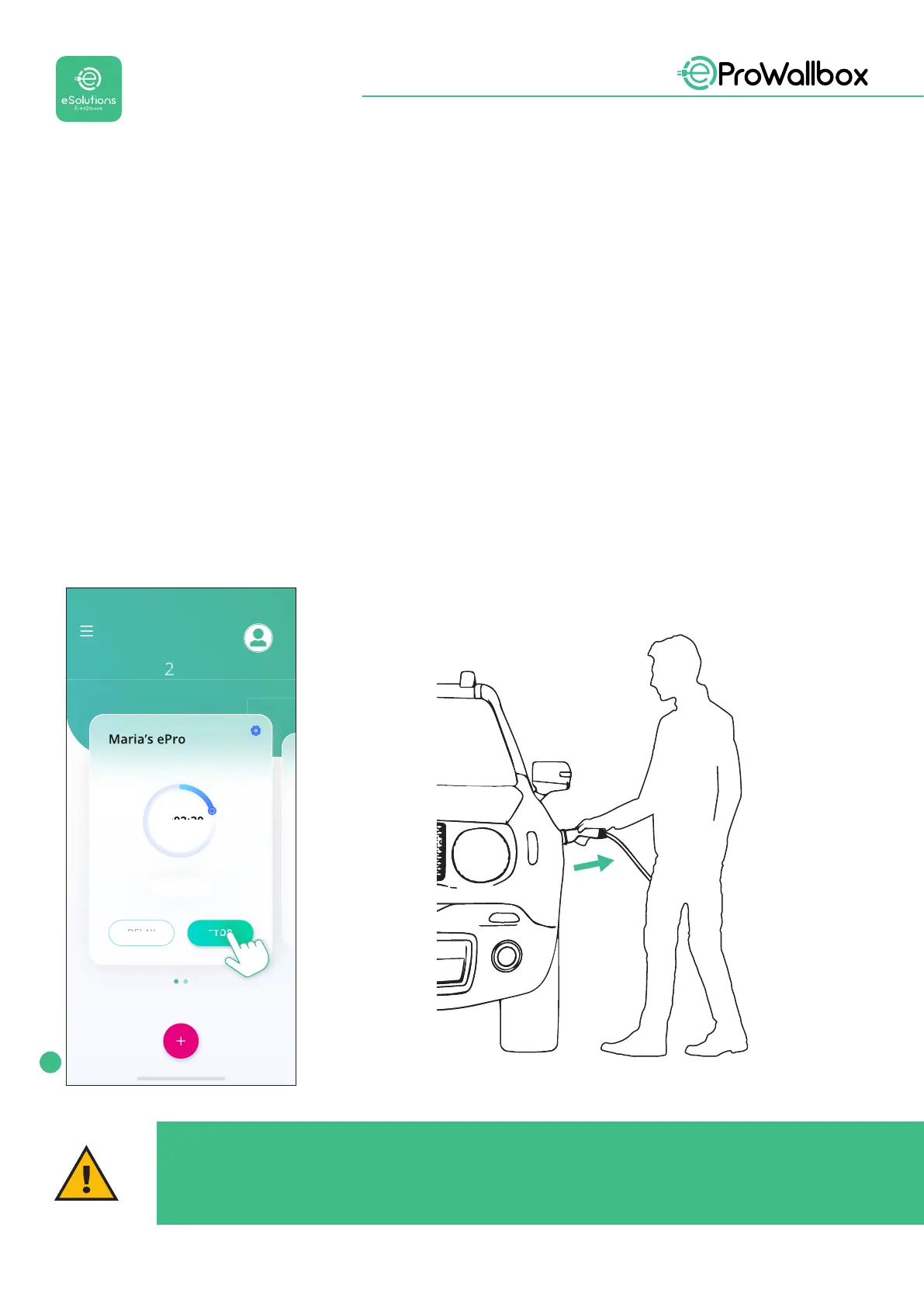
• When charging is complete or the charging process needs to be stopped,
therearetwopossiblewaystostopthechargingsession:
• From the vehicle (e.g., unlocking the doors), then unplug the connector
from the vehicle and from eProWallbox
• From the eSolutions Charging app, press STOP, then unplug the
connector from the vehicle and from eProWallbox
• eProWallbox will return to its initial state, ready for a new charging session.
Via Corradori 22 - Milano
00:02:30
View more
Devices
STOP
CHARGING
1
CAUTION
At the end of the charging sessions, unplug the charging cable from both
the appliance and the vehicle and store it in a safe place.


 To Next Page
 Loading...
