12
Gebruikershandleiding
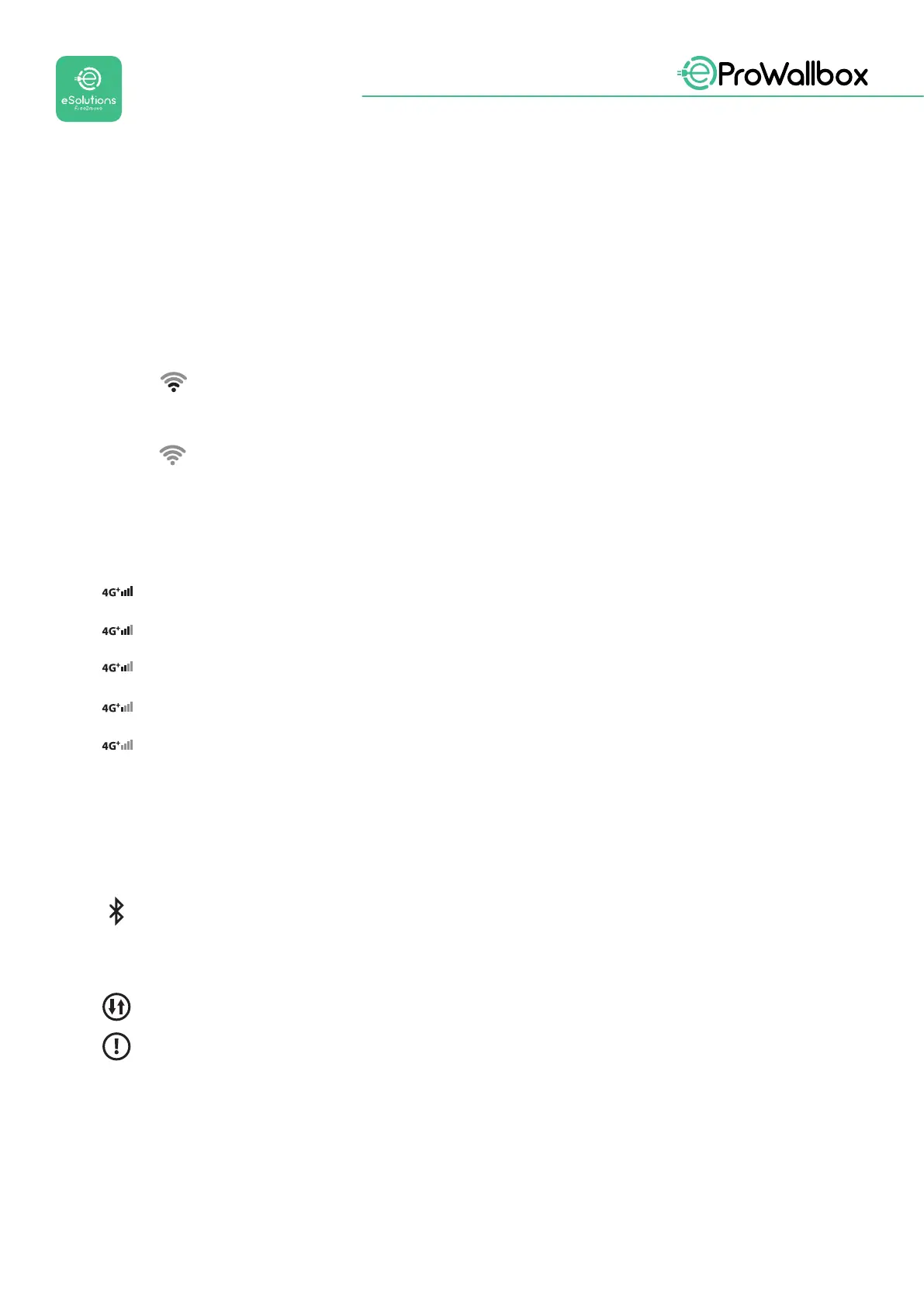
3.1 Symbolen op het display van de wallbox
3.1.1 WIFI
• Uitstekendewiverbinding
• Goedewiverbinding
Matigewiverbinding
• Slechtewiverbinding
Geenwiverbinding
Alswinietisgecongureerd,wordtergeenwi-symboolweergegeven
3.1.2 4G LTE
Uitstekende verbinding 4G LTE
Goede verbinding 4G LTE
Matige verbinding 4G LTE
Slechte verbinding 4G LTE
Geen verbinding 4G LTE
Als de eProWallbox in de modus Standalone staat, wordt er geen 4G LTE-symbool
weergegeven(ziehoofdstuk4)
3.1.3 BLUETOOTH
BluetoothActief
3.1.4 Verbinding eSolutions besturingsplatform
eSolutions besturingsplatform (CPMS) verbinding is tot stand gebracht
Probleem met verbinding met het eSolutions besturingsplatform (CPMS)



 To Next Page
 Loading...