17
User Manual
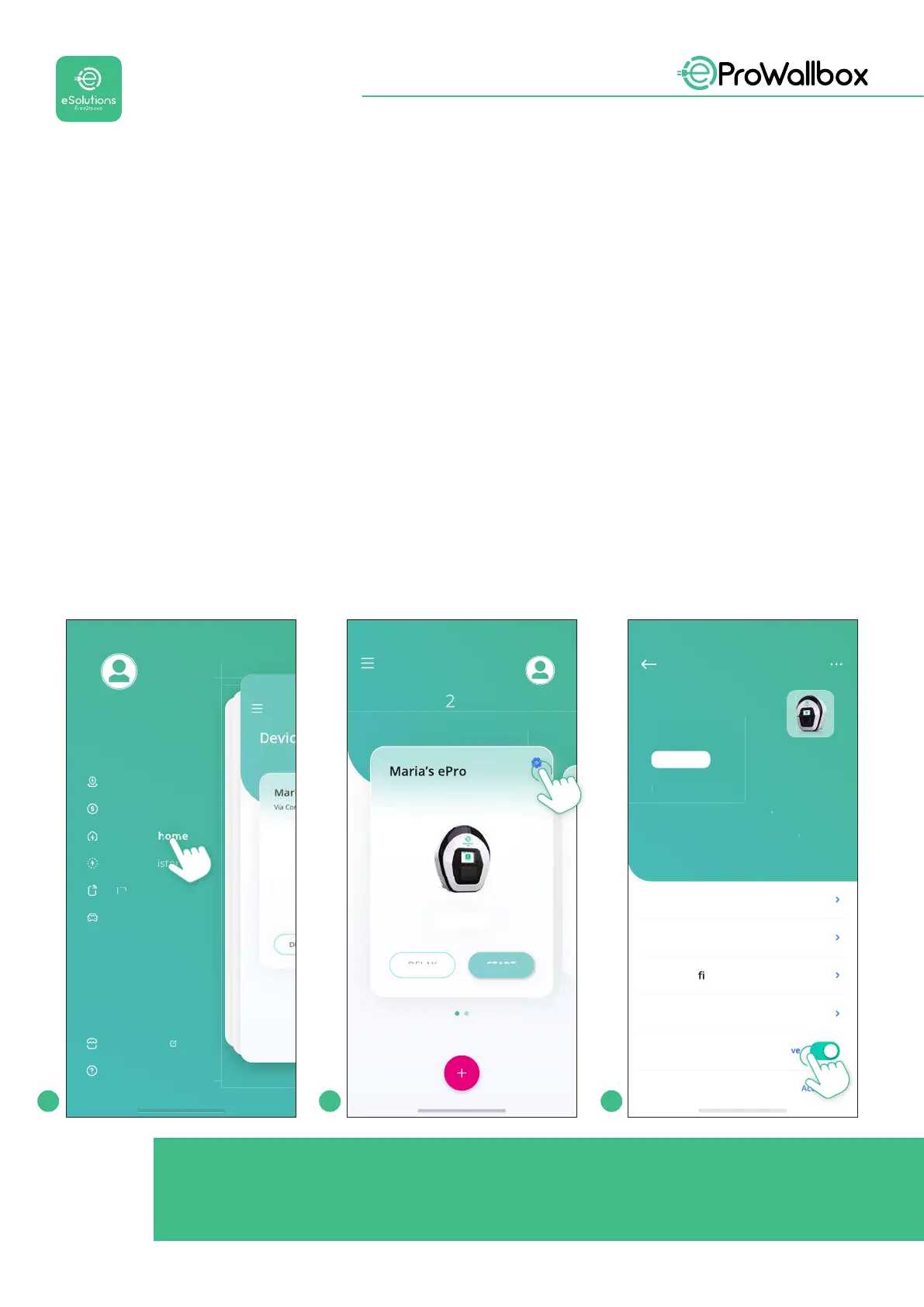
• Authentication:whenAutostartisdisabled,thechargingsessionmustbe
authorisedbytheuser,withoneofthefollowingmethods:
• Passing an RFID card on eProWallbox
• Authorising the session with eSolutions Charging app (if wallbox is
connectedvia4GorWi-)eProWallbox has two Connectivityoptions:
• Connectivity enabled (default factory setting): when the Standalone
option is disabled, eProWallbox is connected to the eSolutions control
platform (CPMS) to enable software updates, live remote Customer Care
support and to enjoy the maximum functionalities of the eSolutions
Charging app.
• Connectivity disabled: when the Standalone option is enabled,
eProWallbox is not connected to eSolutions control platform (CPMS)
and the user has access to limited functionalities in eSolutions Charging,
available only via Bluetooth
User
rofil
Sess
ons H
stor
har
e in
ubli
Charge at home
T
ri
anagemen
arag
arket
lac
el
Power Meter
Power Limit
Power Pro le
MID Counter
Autostart
ActiveActive
Random Delay
Active
Device
Model
ProWallbox
Product code
6
1
161
1
Serial number
TEC1
APE
5
Firmware
1.2.66
ode
AVAILABLE
Via Carlo Pisacane, 9, 20129
Milano MI
Settings
Via Corradori 22 - Milano
Devices
START
AVAILABLE
1 2 3
NOTICE
After changing the operating mode, restart the wallbox via app to
make the changes eective.


 To Next Page
 Loading...
