19
User Manual
If eProwallbox is associated with the User prole and not connected to the
eSolutions control platform (Standalone
OperatingMode),followthesestepsin
the eSolutions Charging app to associate RFID with eProWallbox:
• Click on “Charge at home” in the top left menu
• Select the eProWallboxyou’dliketocongure
• Click on the blue wheel on the top right corner of the selected eProwallbox
• Click on “Congure using Bluetooth”
• Click “RFID management”
• Click on the plus (+) sign to add an RFID card
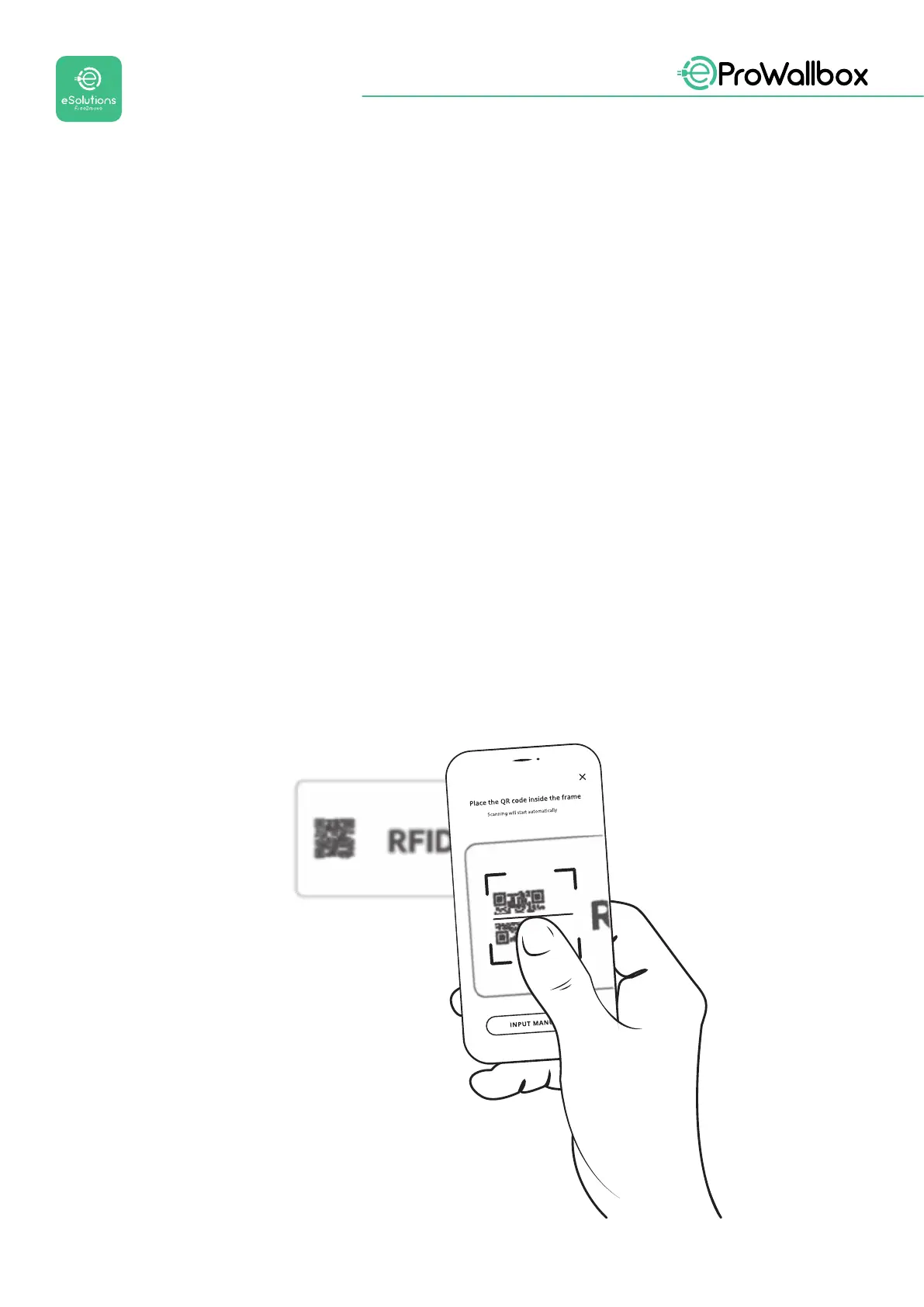
• Scan the QR code on the back of the RFID card
• ItisalsopossibletoaddmanuallytheRFID’sidentiernumberlocatedon
the back of the card
• In the dedicated section it is possible to activate, suspend, or delete cards
associated with eProWallbox via Bluetooth.


 To Next Page
 Loading...
