Procedure
Press to access the engraving settings screen.
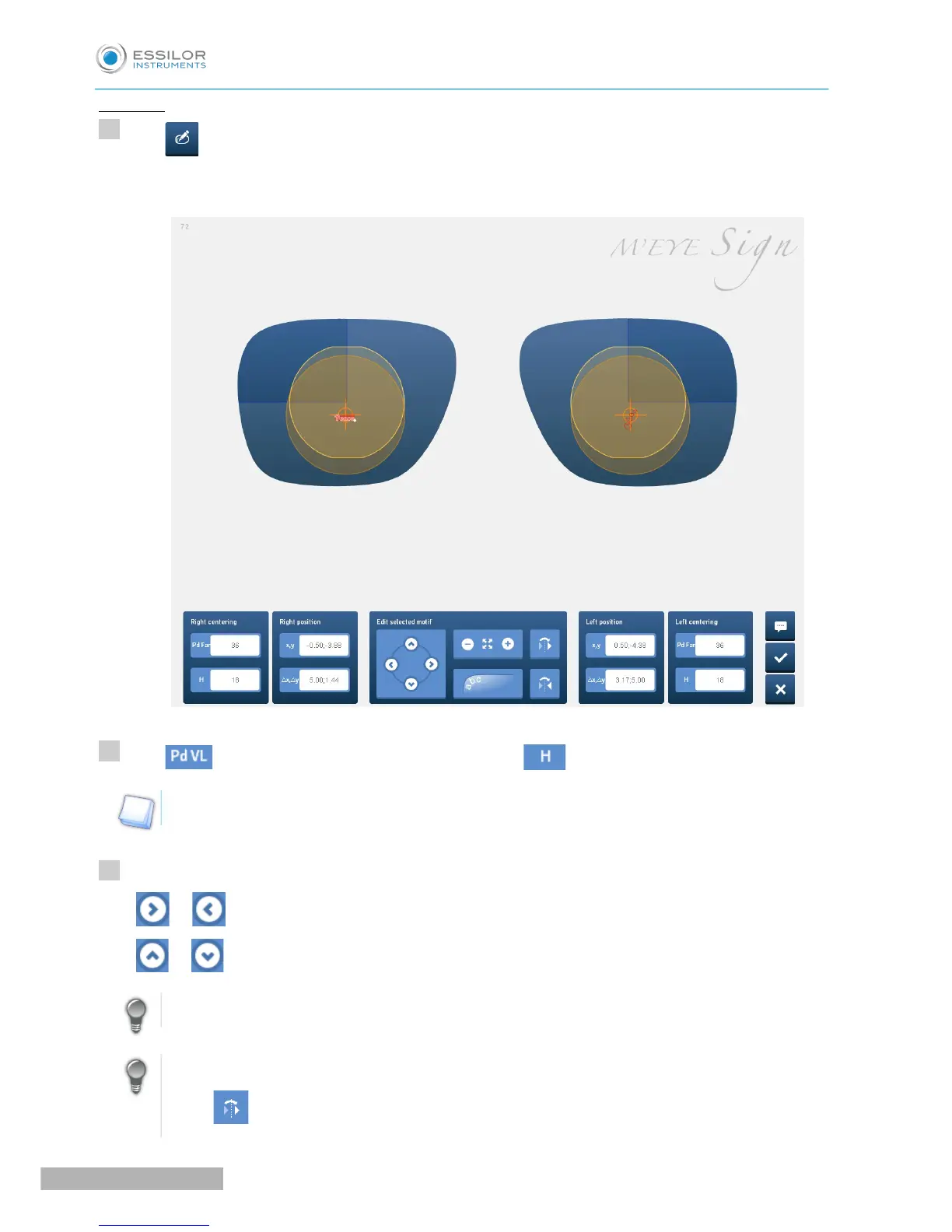
The engraving settings screen appears:
Press to input the 1/2 pupillary distances and press for the heights.
The values are automatically transmitted to the centering device.
Press:
- or to move the motif towards the right or the left hand side,
- or to move the motif upwards or downwards.
You can also move the motif using the mouse.
You can also press:
• to carry out an identical transfer of the selected motif onto the other lens,



 To Next Page