• Mid-nasal
• Lower
• Mid-lower
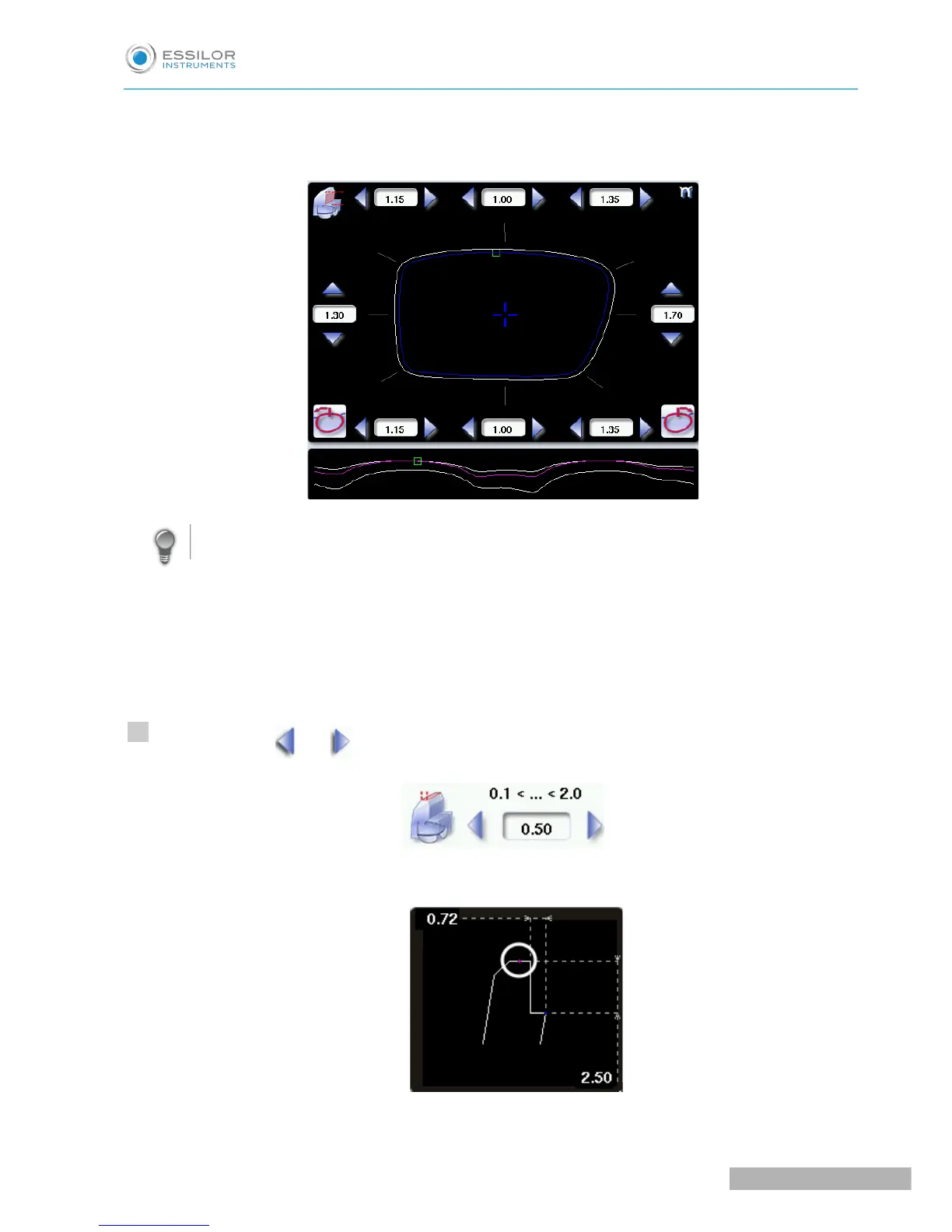
Move the cursor along the shape to see the bevel profile in the zoom window.
The edger calculates the shelf bevel value to be applied between each of the four or eight points of
each area.
The bevel trajectory on the rear surface is modified in the work screen. The result can be viewed in
the zoom window.
Press the buttons and on the right of your screen to modify the width of the flat side of the bevel.
The result can be viewed in the zoom window.



 To Next Page