METALJET D2+ OPERATION
Revision 19, November 2016 Page 5-4
5.3 Capabilities of the software
The XCS software and its corresponding HMI application can control all parameters in the system. The main
functions of the software are:
Performing parametrization (Section 5.8)
Turning x-ray generation on and off (Sections 5.10.1 and 5.10.3)
Changing emission power and spot size (Section 5.10.2)
Perform system service actions covered by the service manual.
5.4 Starting the software and GUI
The software is started by the following sequence:
1. Turn on the pump box, the x-ray high-voltage controller and the water chiller.
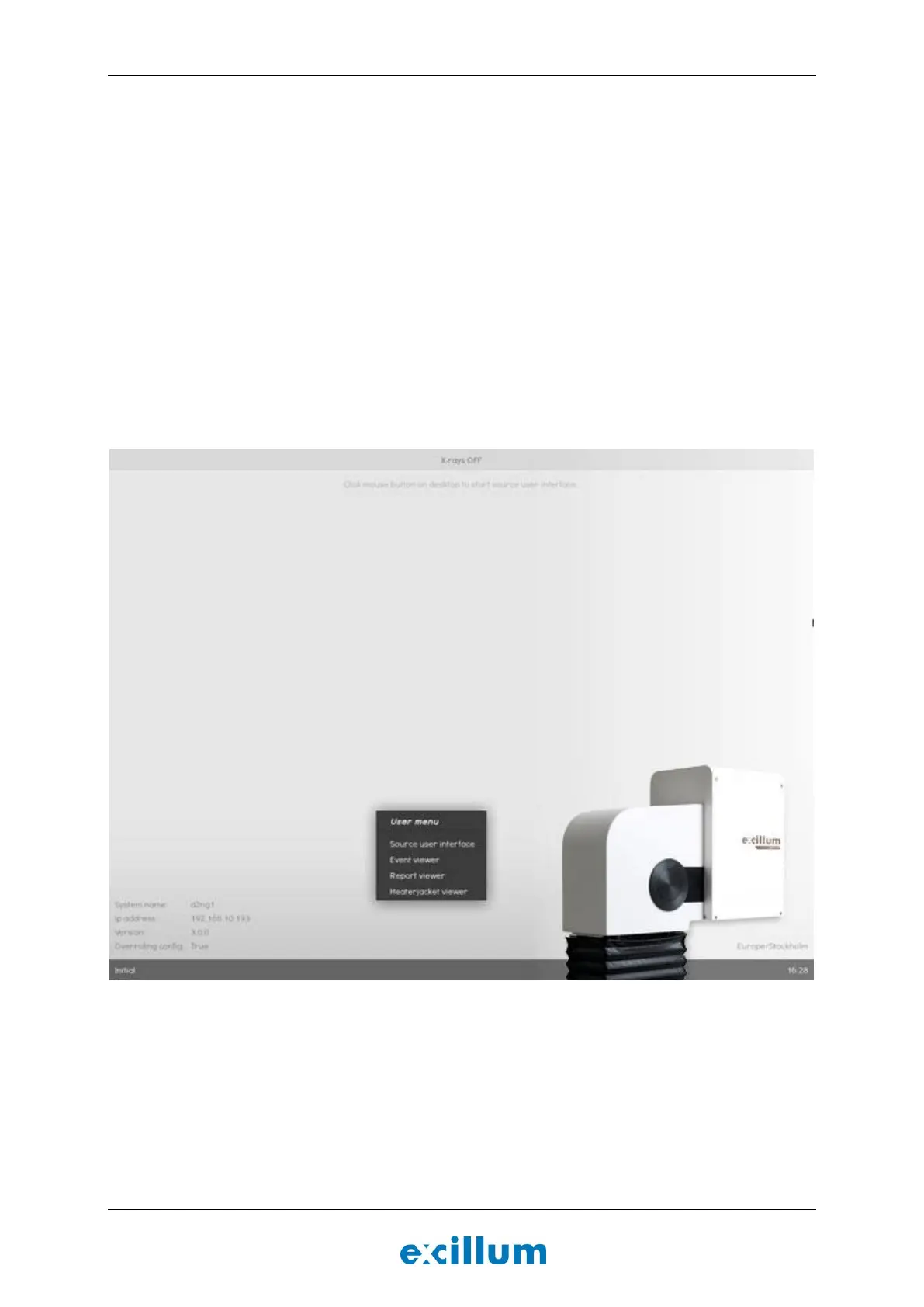
2. Turn on the x-ray system controller and wait until the desktop is shown, see Figure 5-2.
Figure 5-2. XCS desktop for the MetalJet D2+ system.
3. The x-ray system controller starts the XCS control software automatically and the system state is
indicated in the lower left corner.
4. Click on the desktop and select “Source user interface” to bring up the GUI for user control of the
MetalJet D2+ source, as seen in Figure 5-3.


 To Next Page