METALJET D2+ OPERATION
Revision 19, November 2016 Page 5-9
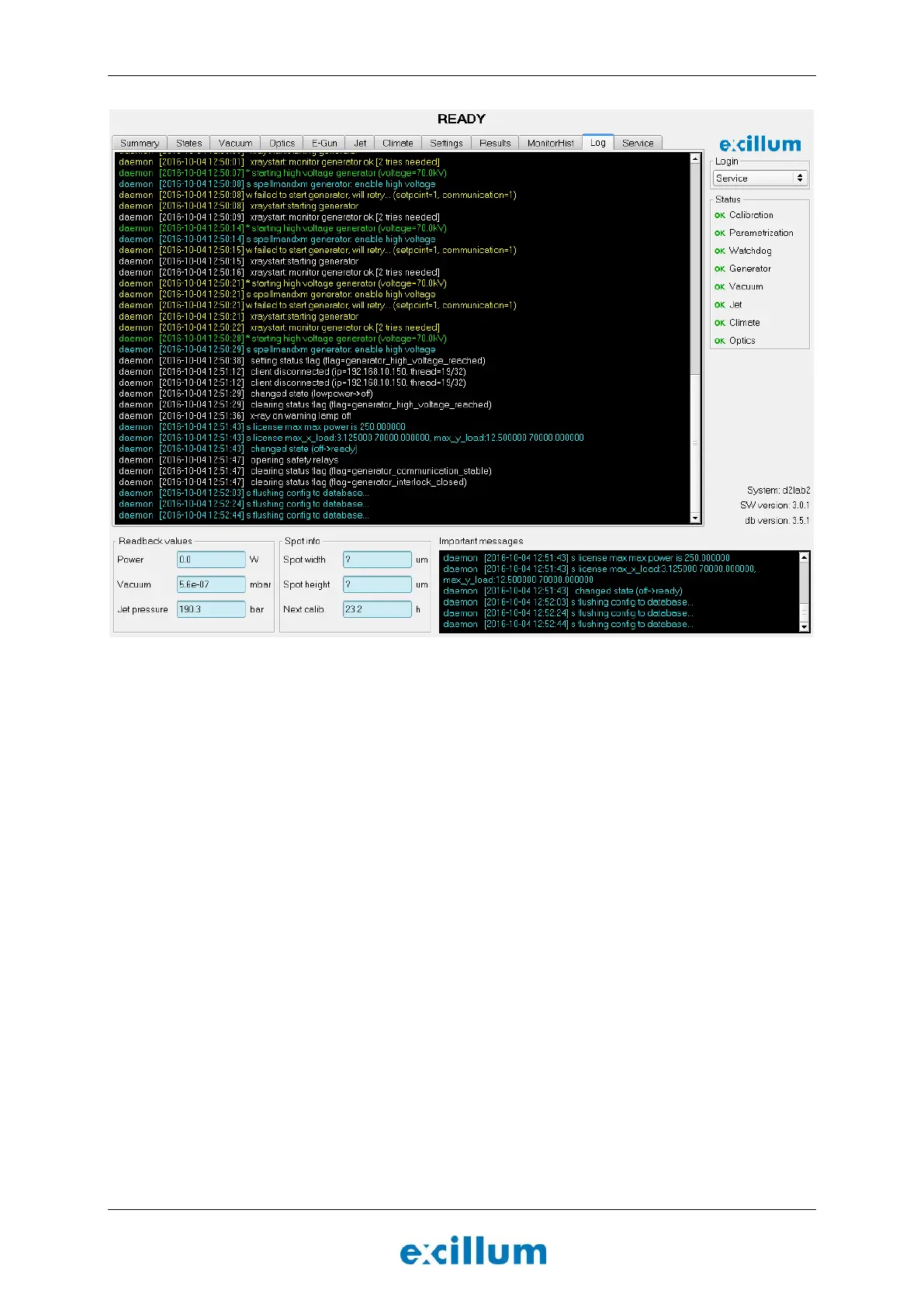
Figure 5-5. The “Log” tab. Errors, warnings, and other relevant information regarding the operation of the
MetalJet D2+ source may be found here.
5.8 Parametrization
The first time the MetalJet D2+ source is set up, or when the cathode or the electron optics have been
physically modified or adjusted, the system needs to be parametrized. The parametrization routine consists of
six steps (see Sections 5.8.1 to 5.9) and has to be repeated independently for each acceleration voltage:
Prepare system for parametrization
Align electron beam to optical axis
Determine jet size and position
Characterize focus lens and verify jet stability
Characterize linefocus coils
After the parametrization is completed it is possible to set the electron-beam power, spot size and position in
relation to the liquid-metal jet.
5.8.1 Prepare system for parametrization
The first step in the parametrization process is to set the system in a well-defined state.
1. Go to the “Summary” tab and change the user level to “Admin”.
2. Change the “High voltage” setting to the desired acceleration voltage.
3. Go to the “States” tab and click the Lowpower button.


 To Next Page