METALJET D2+ OPERATION
Revision 19, November 2016 Page 5-16
5.11 System Settings
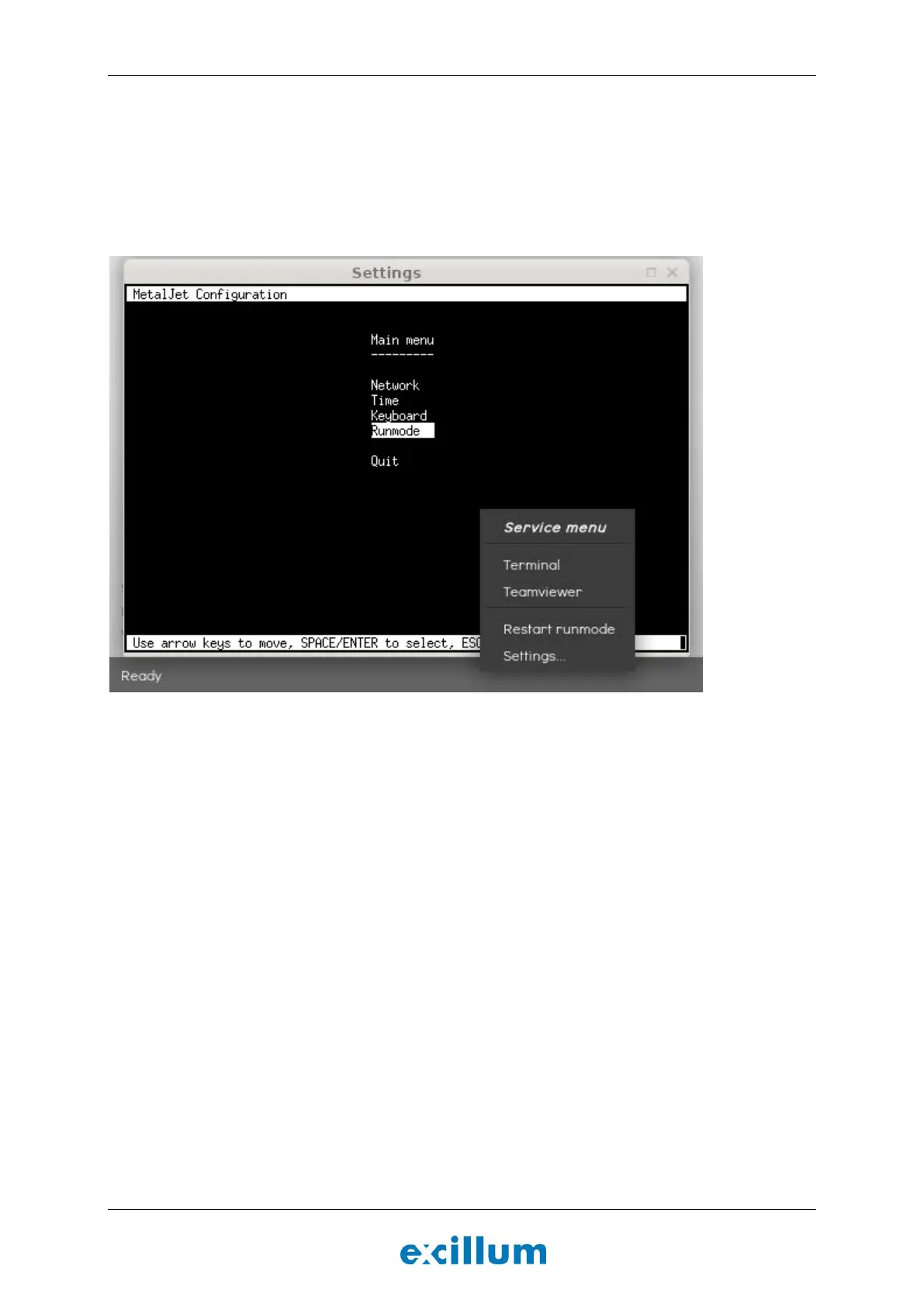
The system settings menu can be accessed by right clicking on the gray banner in the bottom of the screen and
selecting “Settings”, see Figure 5-10. This menu can be used to change network settings as well as the time
zone and keyboard layout.
Note: The menu “Runmode” should only be used by trained service technicians.
Figure 5-10. Access the system settings menu by right clicking the gray banner in the bottom of the screen.


 To Next Page