Managing Data
140 FTB-500
Transferring Data via Bluetooth
To configure your unit and the computer for transfer:
1. Configure your unit as follows:
1a. Connect the Bluetooth device to one of the USB ports of your unit.
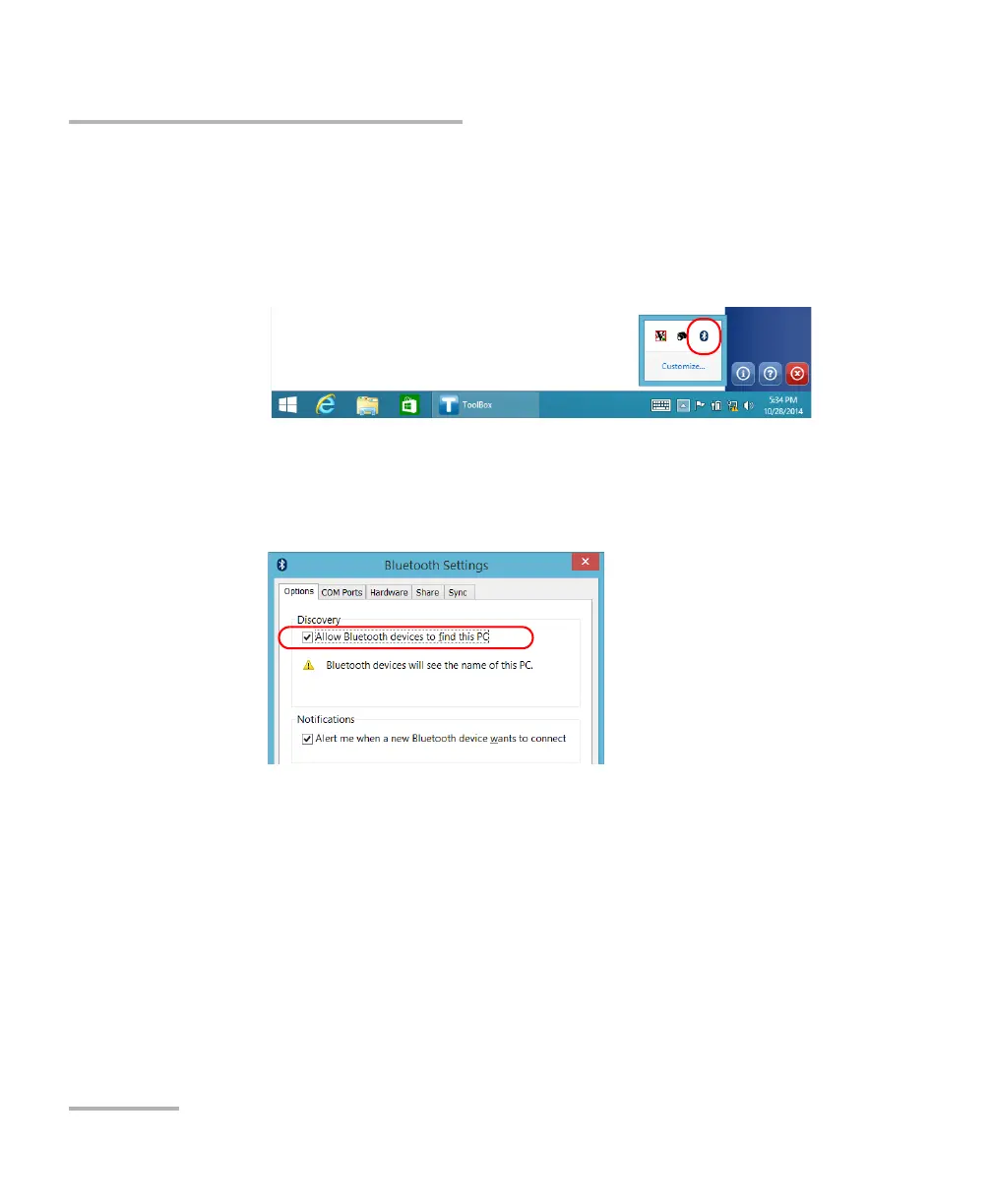
1b. From the notification area, tap the Bluetooth icon.
1c. Tap Open Settings.
1d. From the Options tab, under Discovery, select the Allow
Bluetooth devices to find this PC check box.



 To Next Page