Managing Data
FTB-500 141
Transferring Data via Bluetooth
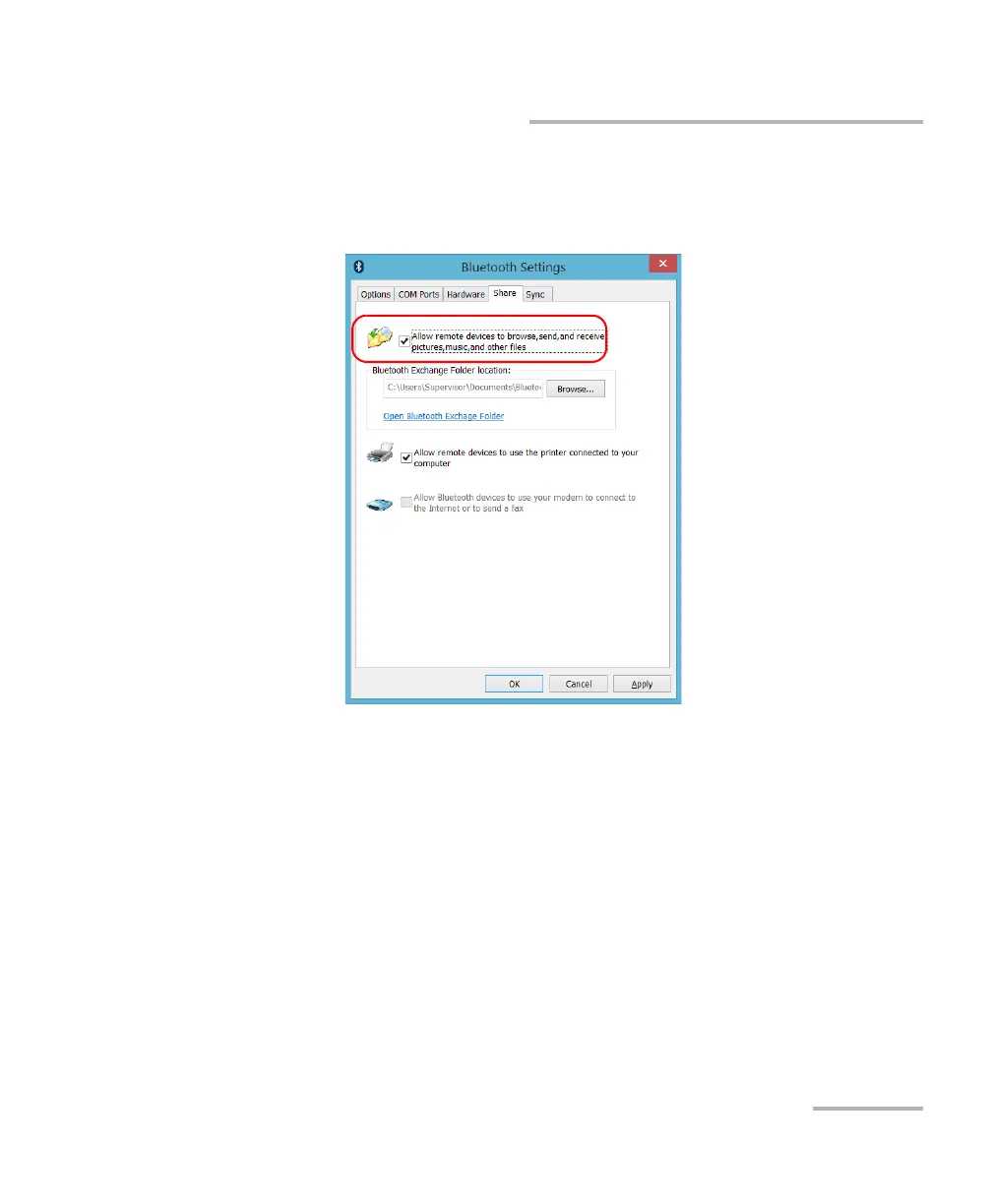
1e. From the Share tab, ensure that the Allow remote devices to
browse, send, and receive pictures, music, and other files
check box is selected.
1f. Tap OK to confirm.
2. Configure the computer as follows:
2a. From the notification area, click the Bluetooth icon.
2b. Select Open Settings.
2c. Ensure that the option allowing Bluetooth devices to find the
computer is selected.
2d. Click OK to confirm.



 To Next Page