Managing Data
142 FTB-500
Transferring Data via Bluetooth
To transfer data via Bluetooth:
1. Pair your computer with your unit as follows.
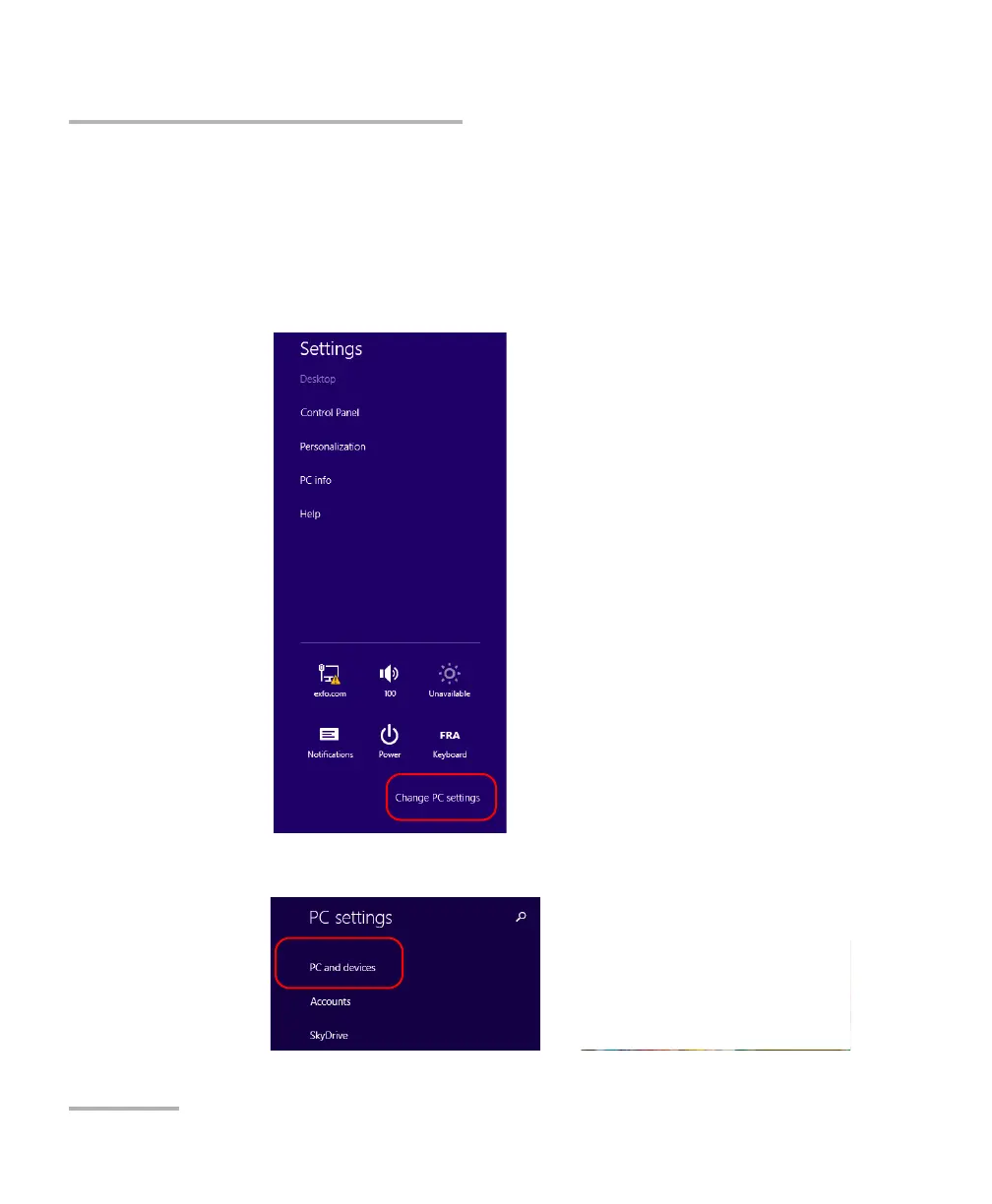
1a. On your unit, from the right side of the screen, swipe left to display
the Charm bar.
1b. Tap Settings > Change PC settings.
1c. Tap PC and devices.



 To Next Page