Managing Data
FTB-500 143
Transferring Data via Bluetooth
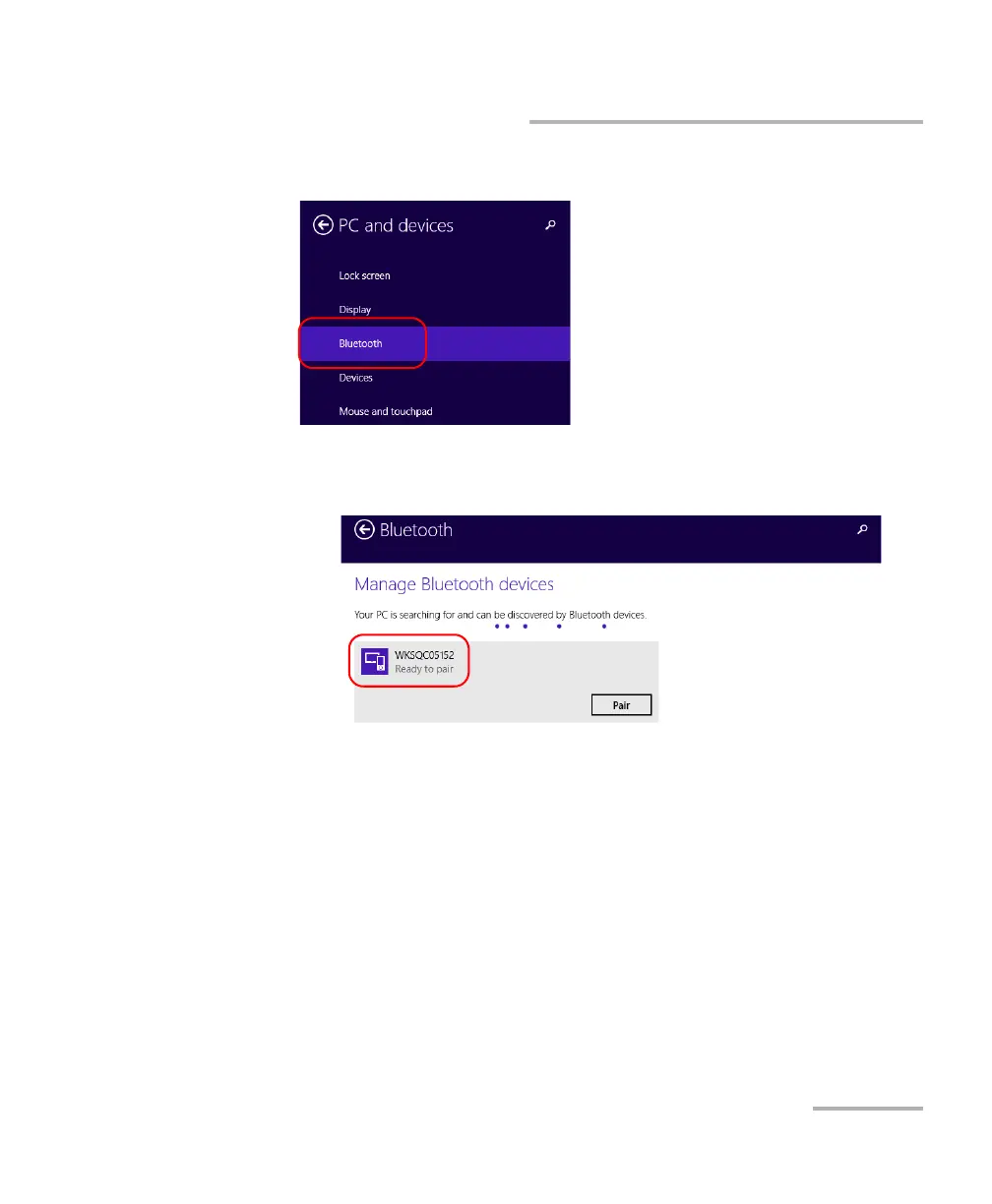
2. Tap Bluetooth.
2a. From the list of Bluetooth devices, tap the item corresponding to
the computer to which you want to transfer files.
2b. Tap Pair.
Note: If the computer or device that you want to select is already paired, you must
remove the pairing first with the Remove device button.
Note: Depending on the computer that you are using, the application will either
provide you with a passkey, or prompt you to confirm that the displayed
passkey matches the passkey used on the computer.
2c. If necessary, write down the provided passkey.



 To Next Page