Managing Data
144 FTB-500
Transferring Data via Bluetooth
2d. On the computer, when the application prompts you, click the
Bluetooth icon (located on the taskbar) to display the wizard
allowing you to add a Bluetooth device.
2e. Follow the on-screen instructions. Enter the passkey that you
wrote down earlier, or confirm the correspondence between the
two passkeys.
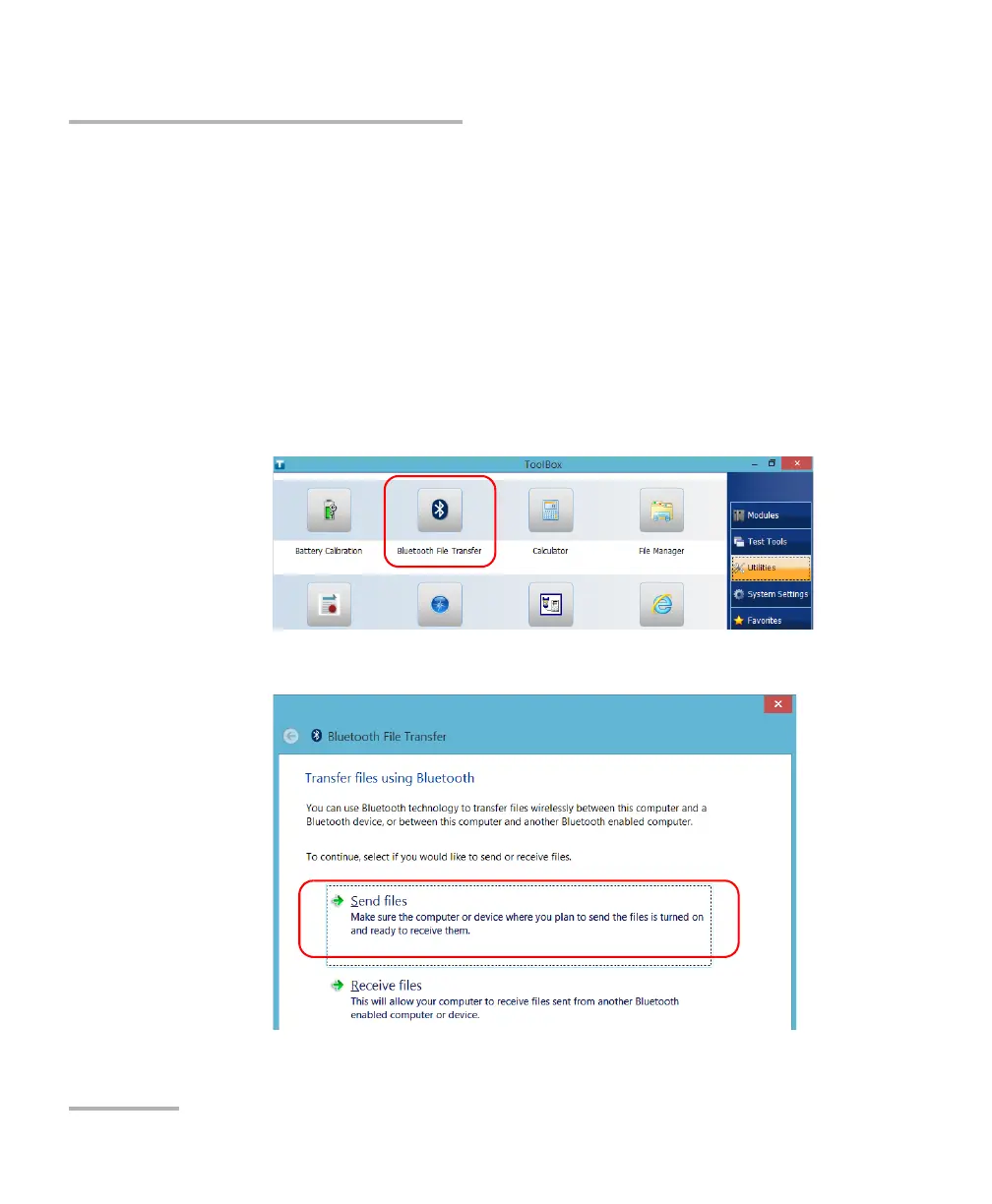
3. Transfer the files as follows.
3a. From the main window, tap the Utilities button.
3b. Tap Bluetooth File Transfer.
3c. Select Send files.



 To Next Page