Accessing Your Unit Remotely
FTB-500 171
Working with Remote Desktop
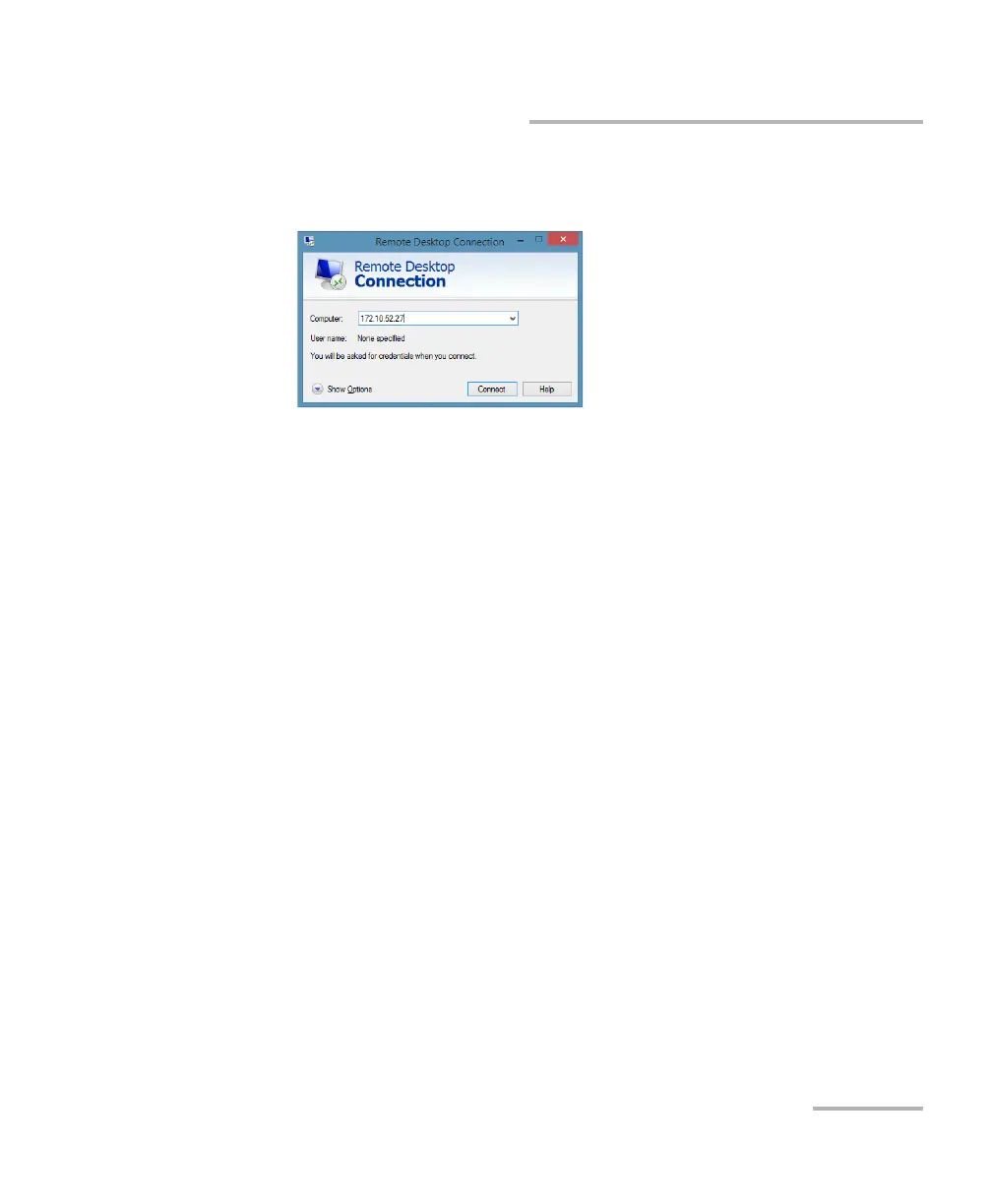
6. In the Connecting to Remote Desktop window, in the Computer list,
type the IP address of the unit that you wrote down at step 4.
7. Click Connect.
8. When the application prompts you, enter your user name and
password.
9. Click OK to open the session.



 To Next Page