Accessing Your Unit Remotely
172 FTB-500
Working with Remote Desktop
Allowing Users with Limited Accounts to Use
Remote Desktop
By default, only the accounts with administrator rights can use Remote
Desktop. However, you can assign extra user rights to accounts with
limited rights so that they can also use Remote Desktop.
To allow a user with limited accounts to use Remote Desktop:
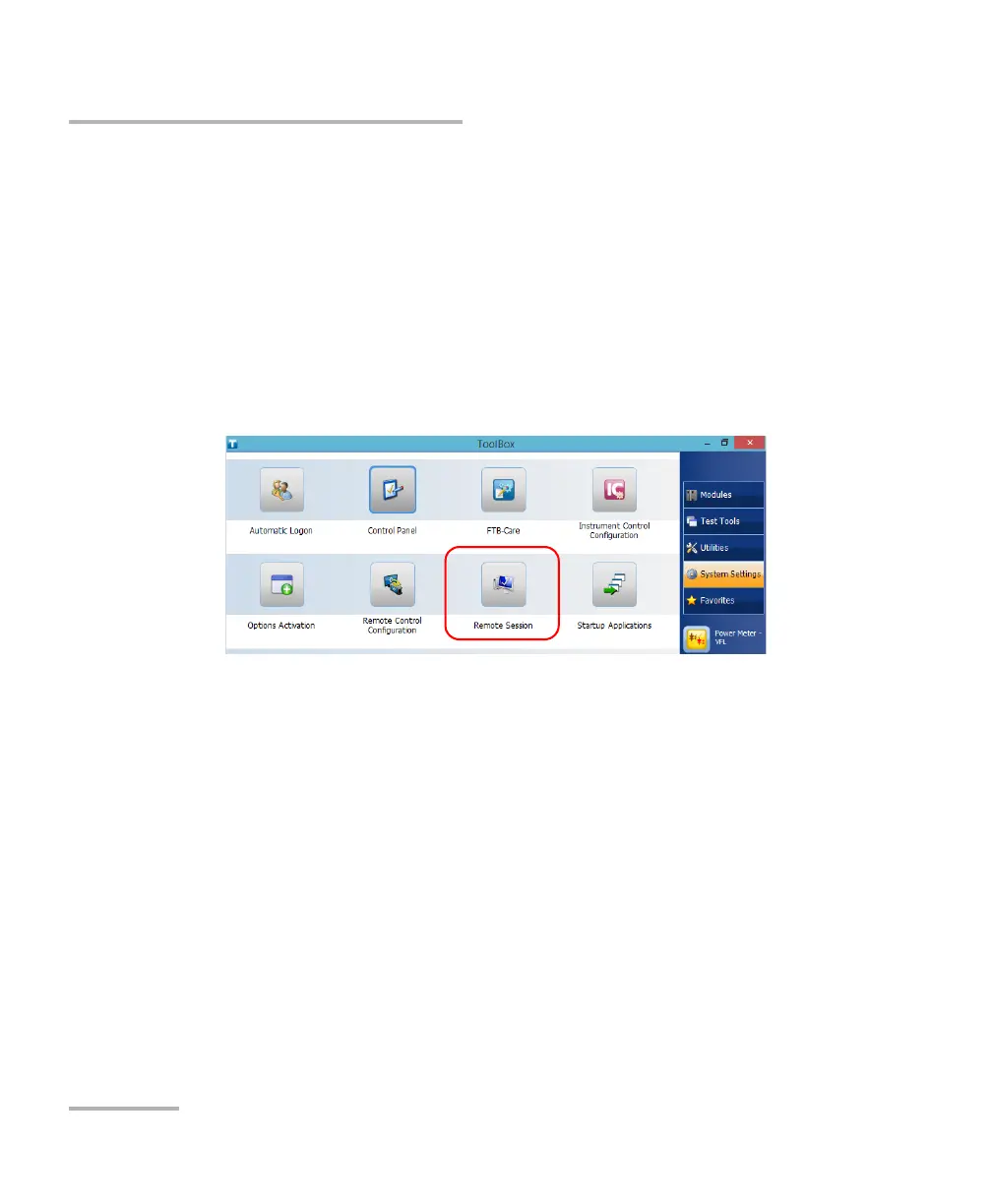
1. From the main window, tap the System Settings button.
2. Tap Remote Session.



 To Next Page