Accessing Your Unit Remotely
FTB-500 179
Working With TightVNC
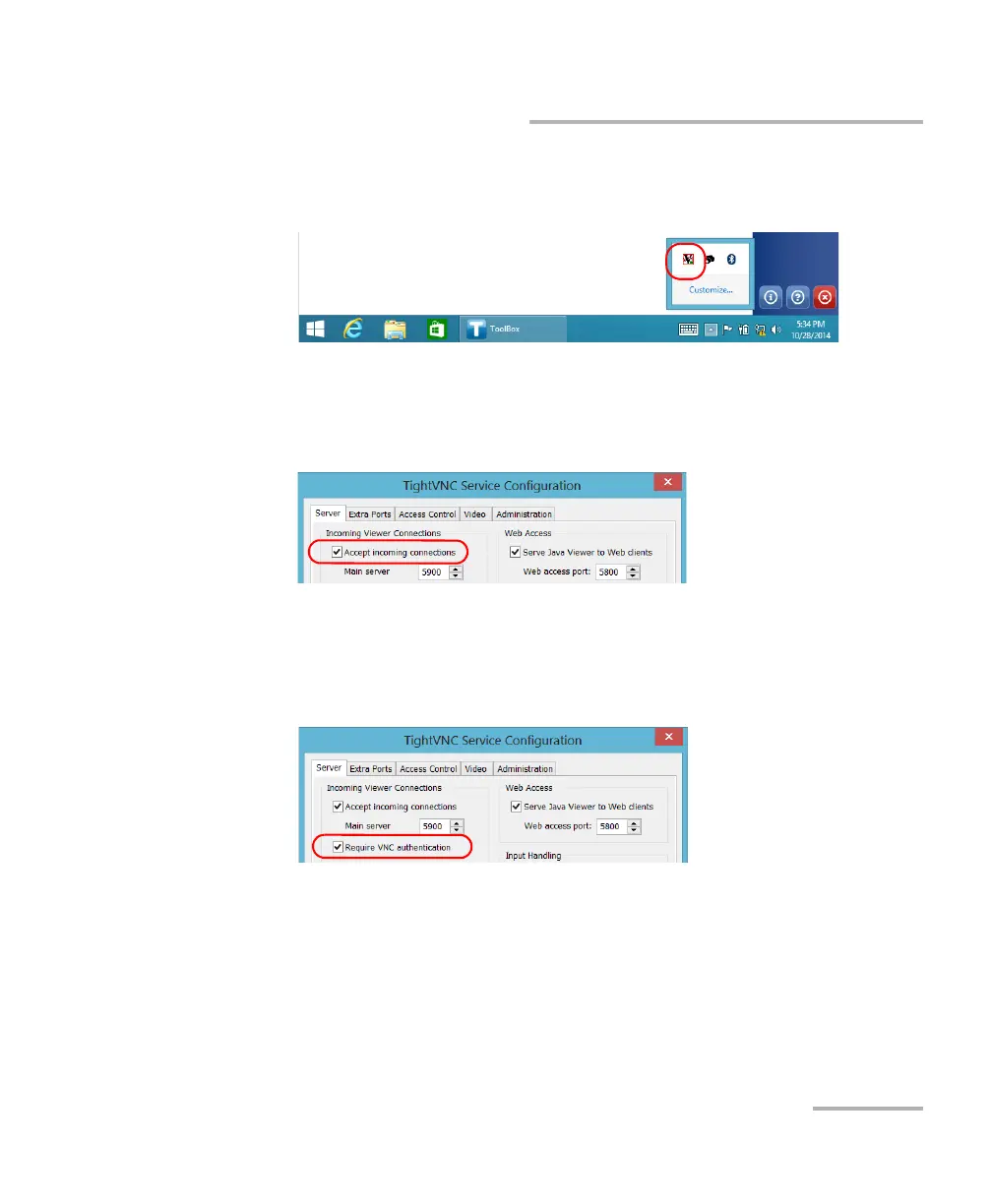
To configure the TightVNC Server:
1. From the notification area, tap the TightVNC icon.
2. Select the Server tab.
3. Under Incoming Viewer Connections, ensure that Accept incoming
connections is selected.
4. If you want to secure the connection with a password, select the
Require VNC authentication check box. If you prefer not to be
prompted for a password when you connect with TightVNC, clear the
check box.



 To Next Page