Accessing Your Unit Remotely
180 FTB-500
Working With TightVNC
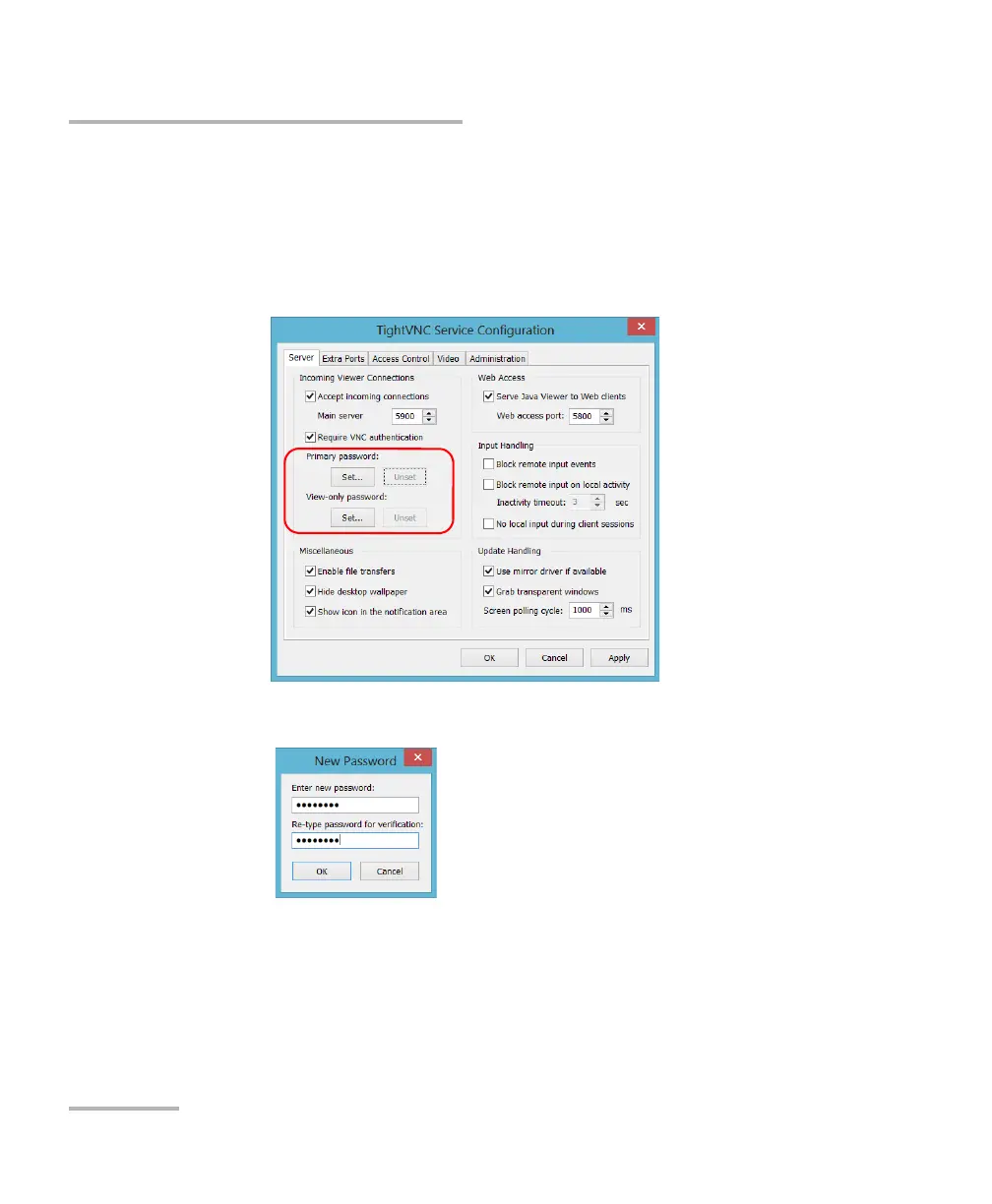
5. If you prefer a connection secured with a password, proceed as
follows:
5a. Depending on the type of connection that you want, under
Primary password or View-only password, tap the
corresponding Set button.
5b. Type the desired password, and confirm it.
5c. Tap OK to keep the new password.
Note: The primary and view-only passwords are independent of each other. They
do not have to be identical.
6. Tap Apply, and then OK.



 To Next Page