Accessing Your Unit Remotely
FTB-500 183
Working With TightVNC
7. Write down the IP address, and then close the window.
Note: It may take a few seconds before you see the IP address on the list.
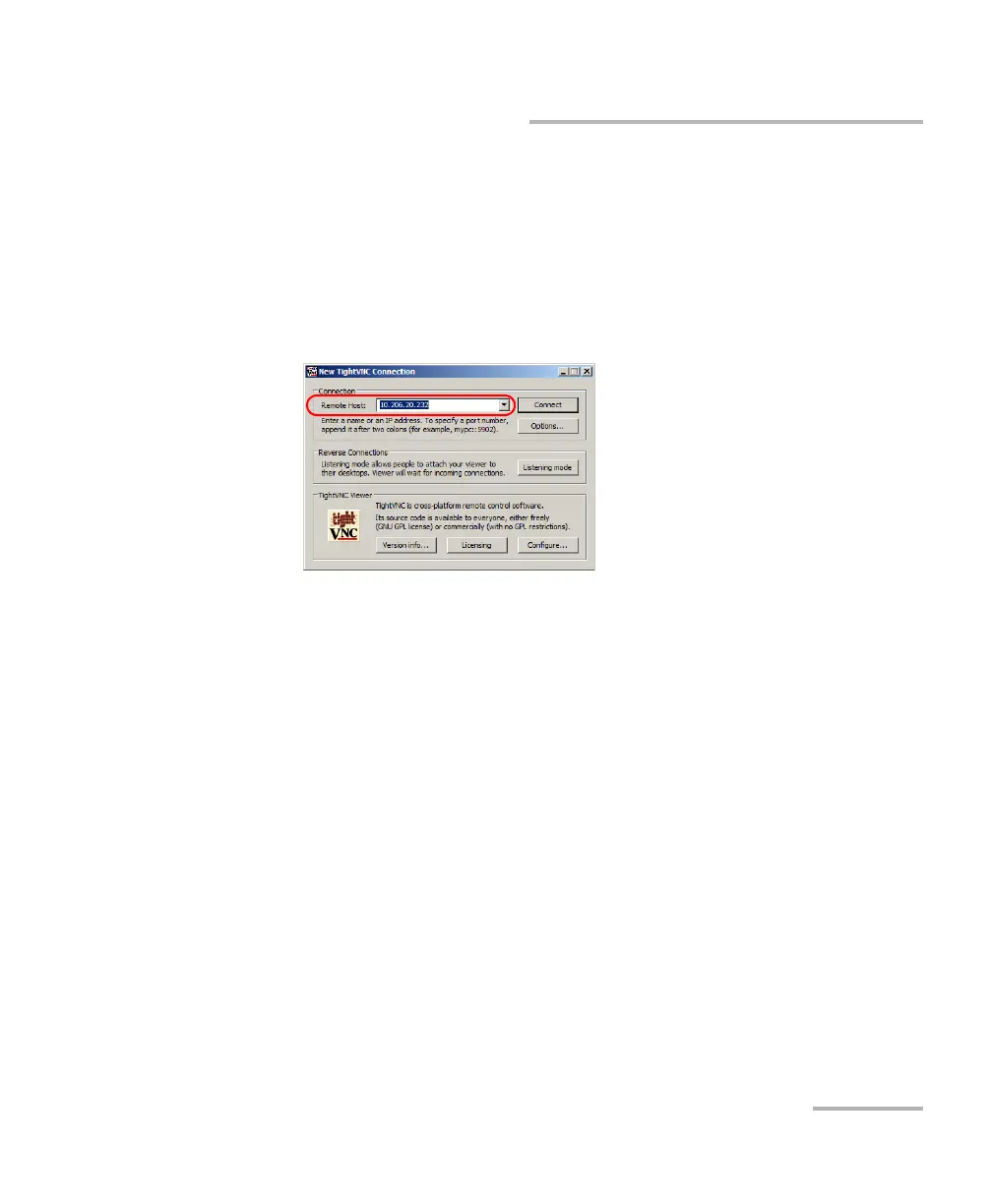
8. From your computer, start the TightVNC Viewer.
9. In the Remote Host list, type the IP address of your unit that you wrote
down at step 7.
Note: The appearance of the TightVNC Viewer window may vary depending on
the version of the viewer that you have.
10. Click Connect.
11. If the application prompts you for a password, enter it and click OK to
confirm.



 To Next Page