Preparing for Automation
198 FTB-500
Changing Communication Settings
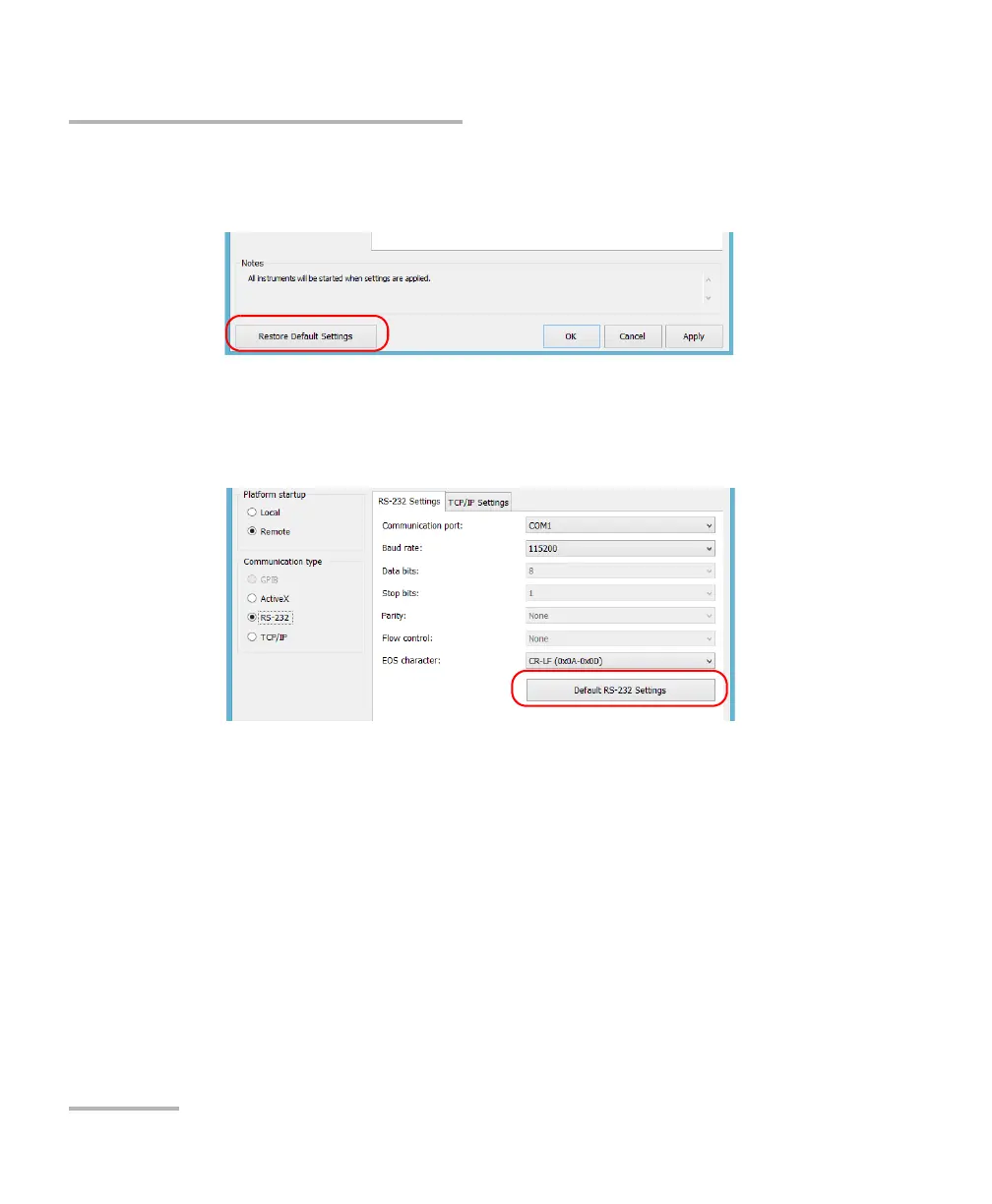
To revert to default general settings:
1. Tap the Restore Default Settings button.
2. Tap Apply to confirm your changes.
To revert to default RS-232 settings:
1. Tap the Default RS-232 Settings button.
2. Tap Apply to confirm your changes.



 To Next Page