Preparing for Automation
204 FTB-500
Configuring DCOM Access to Your Unit
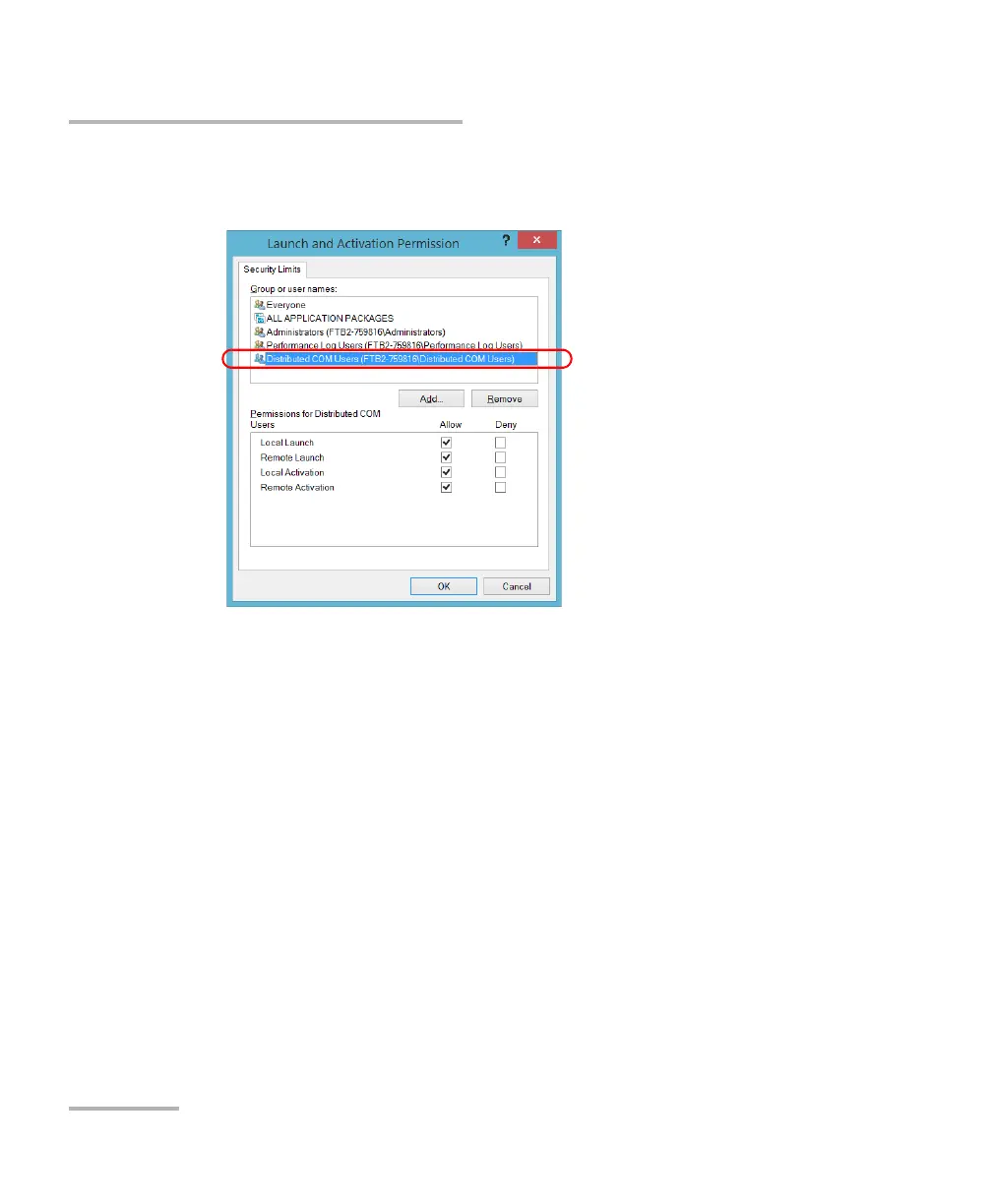
13. In the Access Permission dialog box, ensure that the Distributed COM
Users group appears in the Group or user names list.
You can now allow users to access general DCOM services on your unit.
You can either:
Add a user to the Distributed COM Users group (refer to Microsoft
help).
OR
Add a user explicitly and define both, access and launch permissions
(see procedure below).
Note: If you add a user explicitly, ensure to give remote access rights to the new
user.



 To Next Page