Preparing for Automation
FTB-500 205
Configuring DCOM Access to Your Unit
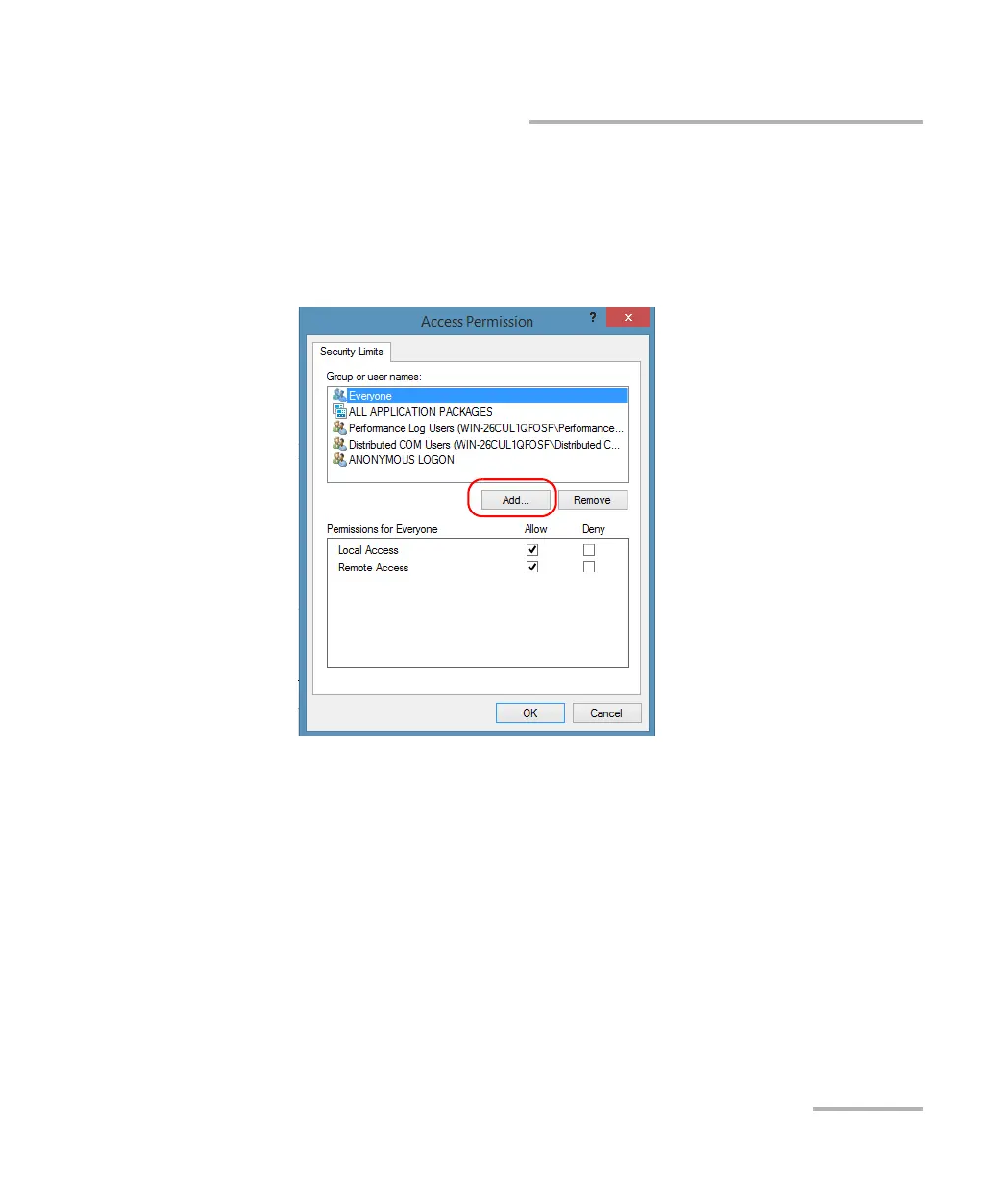
To add a user explicitly:
1. In the My Computer Properties dialog box, tap the COM Security tab.
2. Under Access Permission, tap Edit Limits.
3. In the Access Permission dialog box, tap Add.



 To Next Page