Preparing for Automation
FTB-500 221
Configuring DCOM Access to Your Unit
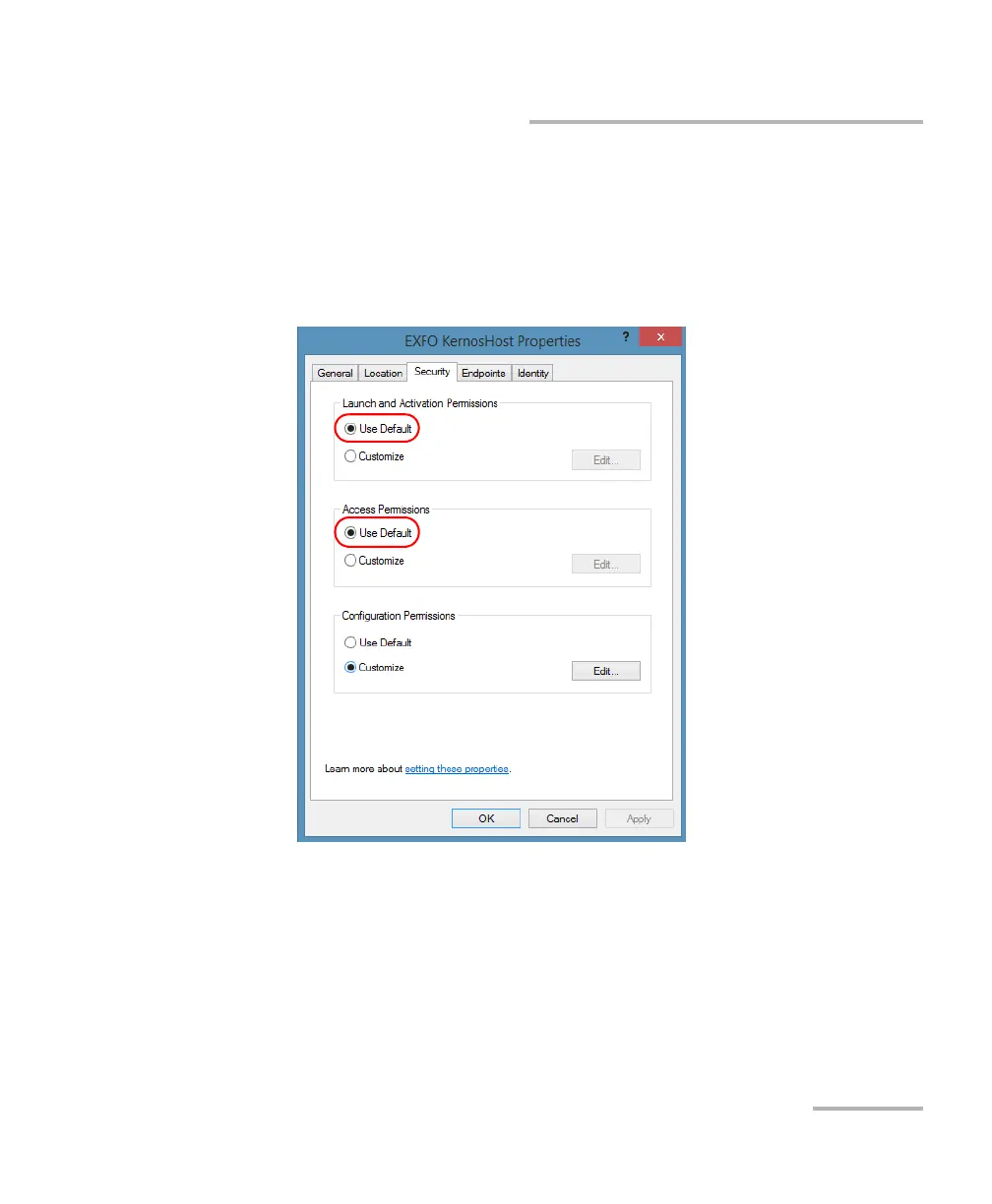
7. In the EXFO KernosHost Properties dialog box, tap the Security tab.
8. Under Launch and Activation Permissions and Access Permissions,
select Use Default.
This ensures the EXFO IcSCPIAccess Class component uses the default
lists instead of the customized lists.
9. Tap OK.
10. Restart your unit.
The EXFO IcSCPIAccess Class component, located on your unit,
cannot be accessed with DCOM.



 To Next Page