Preparing for Automation
220 FTB-500
Configuring DCOM Access to Your Unit
Disabling DCOM Access to Your Unit
Note: To change the DCOM access to your unit, you need Administrator access
rights.
If you no longer want client computers to access your unit using DCOM,
you can disable this access.
To disable DCOM access to your unit:
1. From the main window, tap the System Settings button.
2. Tap Control Panel.
3. Tap System and Security > Administrative Tools.
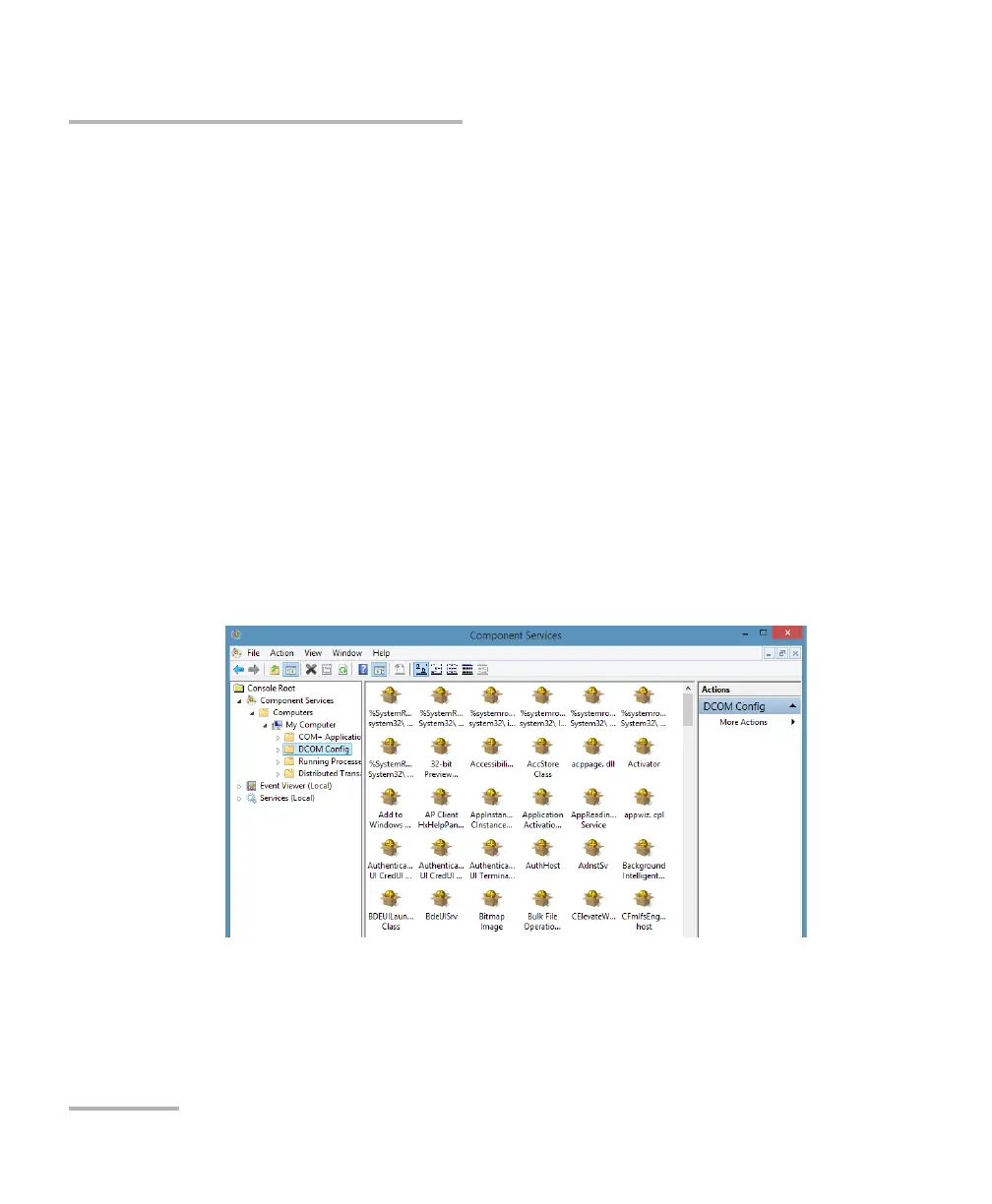
4. Tap Component Services.
5. From the Component Services window, select: Console Root >
Component Services > Computers > My Computer > DCOM Config
to show the contents of the DCOM Config folder.
6. From DCOM Config, right-click EXFO KernosHost, and select
Properties.



 To Next Page