Preparing for Automation
FTB-500 219
Configuring DCOM Access to Your Unit
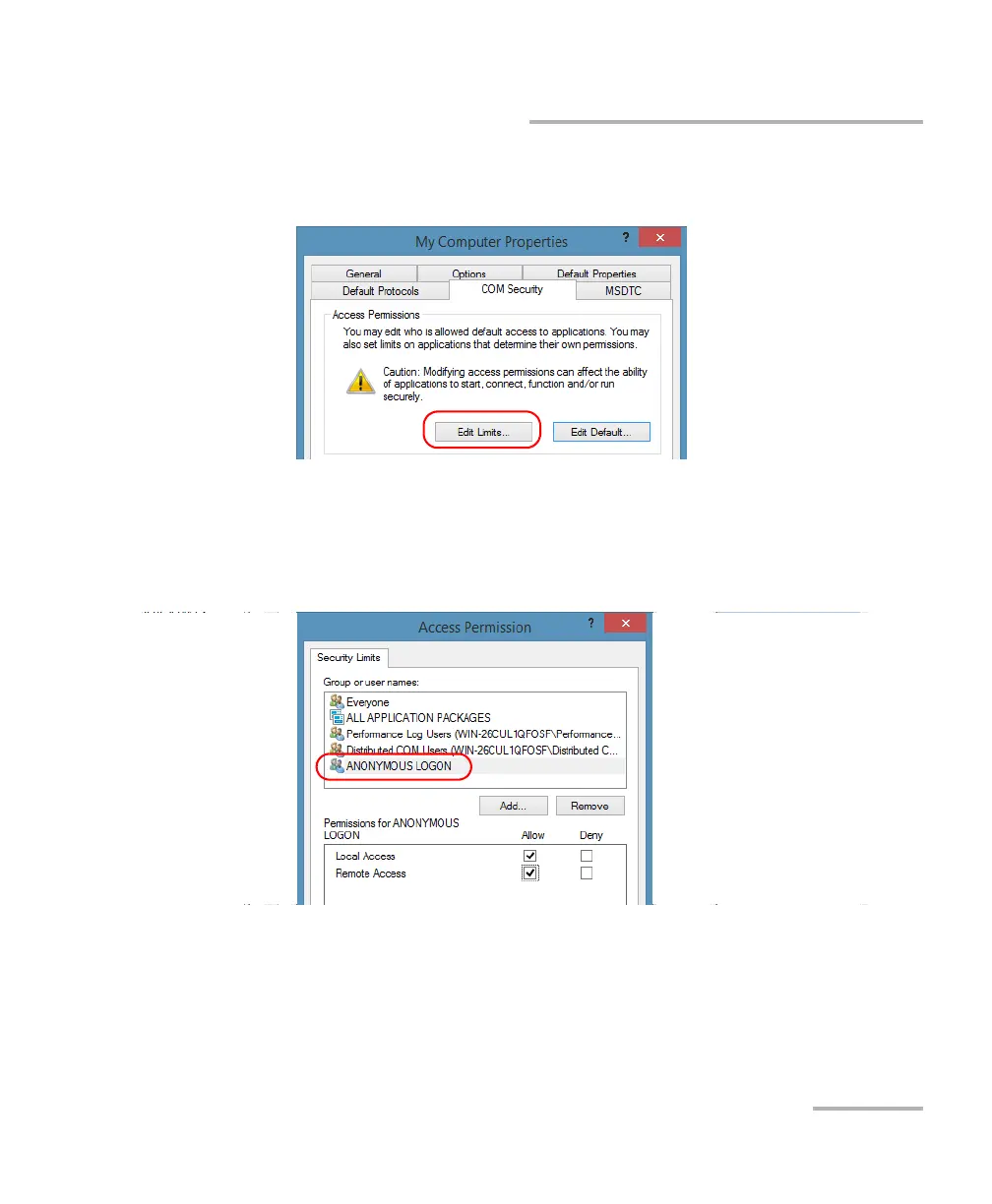
10. Tap the COM Security tab and, under Access Permissions, tap Edit
Limits.
11. In the Access Permission dialog box, ensure that, for ANONYMOUS
LOGON, local and remote accesses are allowed.
If ANONYMOUS LOGON is not listed under Group or user names, tap
Add to add it.
For more information on enabling events with DCOM, refer to
AppId Key in MSDN Documentation.



 To Next Page