Preparing for Automation
218 FTB-500
Configuring DCOM Access to Your Unit
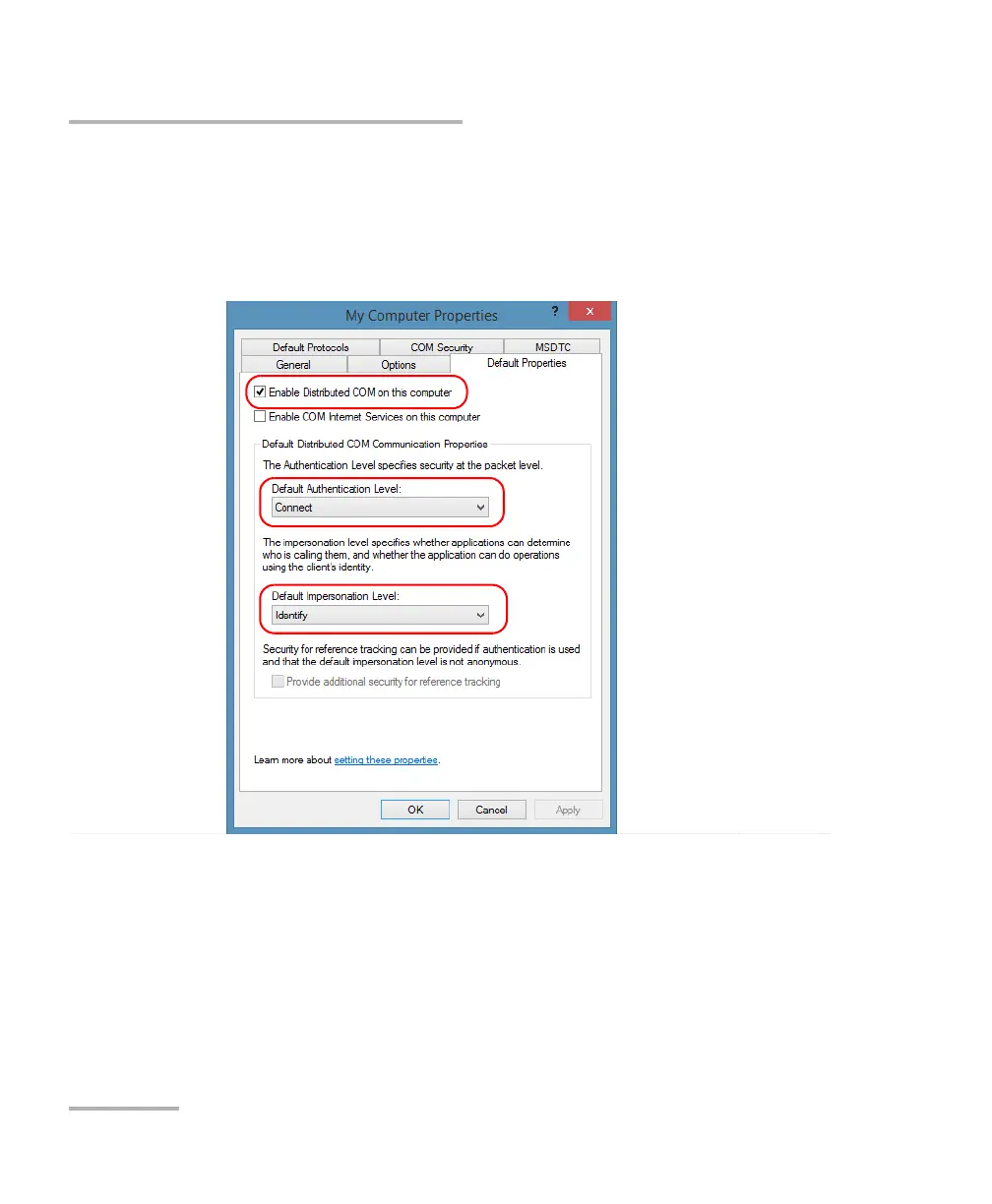
4. Right-click My Computer, and then select Properties.
5. In the My Computer Properties dialog box, tap the Default Properties
tab.
6. Select Enable Distributed COM on this computer.
7. Under Default Distributed COM Communication Properties, in the
Default Authentication Level list, select Connect.
8. In the Default Impersonation Level list, select Identify.
9. Tap Apply.



 To Next Page