Preparing for Automation
FTB-500 217
Configuring DCOM Access to Your Unit
Enabling DCOM on Client Computer
Note: To run DCOMCNFG.EXE, you need Administrator access rights.
If you want to subscribe to EXFO IcSCPIAccess Class component events,
you need to set security parameters on the client computer.
To enable DCOM on the client computer:
1. Start Windows, on the taskbar, click Start (Start button ( ) under
Windows 8.1 and Windows 10) and select Run.
2. In the Open box, type “DCOMCNFG.EXE” and tap OK.
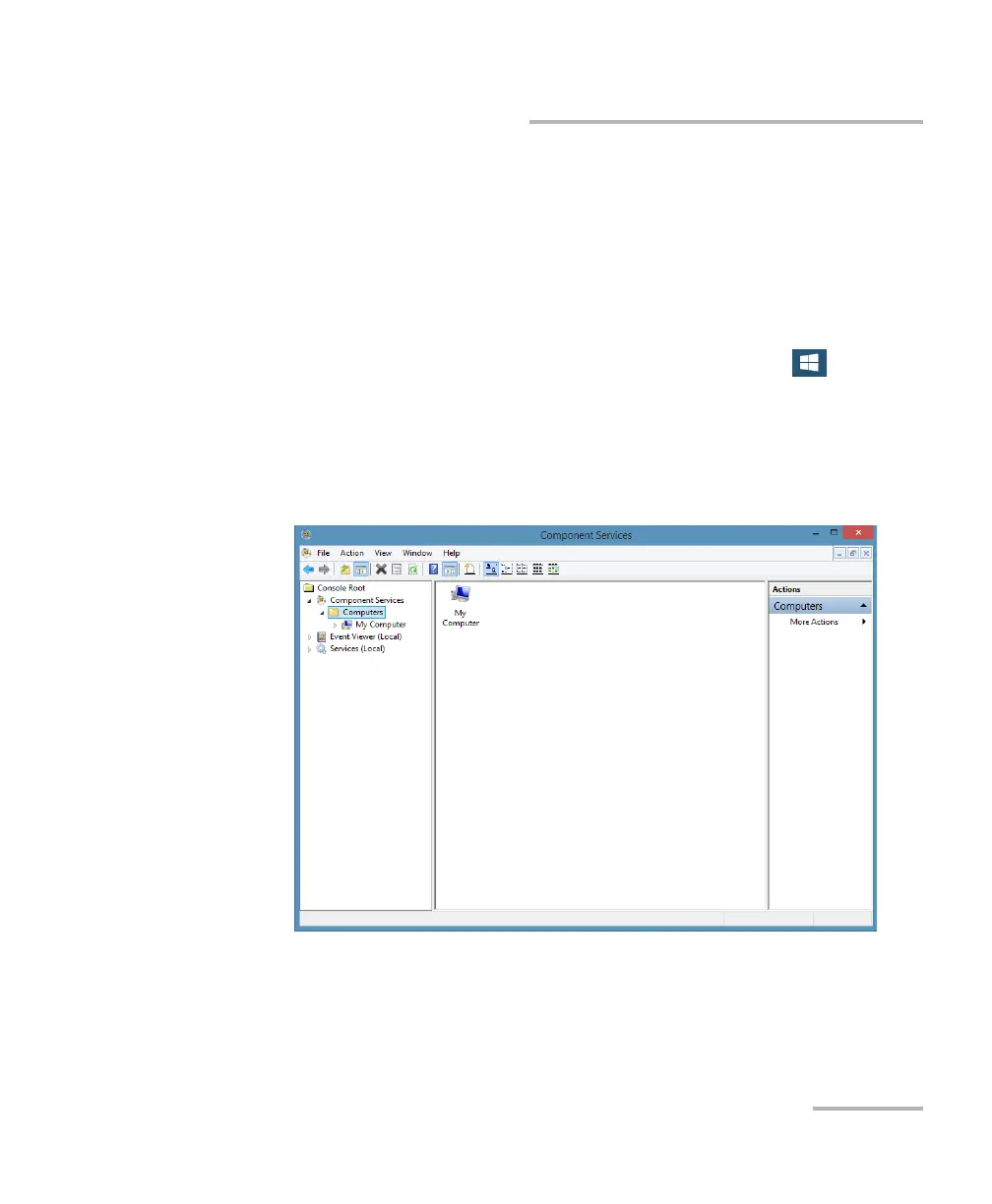
3. In the Component Services dialog box, select: Console Root >
Component Services > Computers to show available computers.



 To Next Page