Using FTB Products in an Automated Test Environment
250 FTB-500
Building and Using Custom VIs
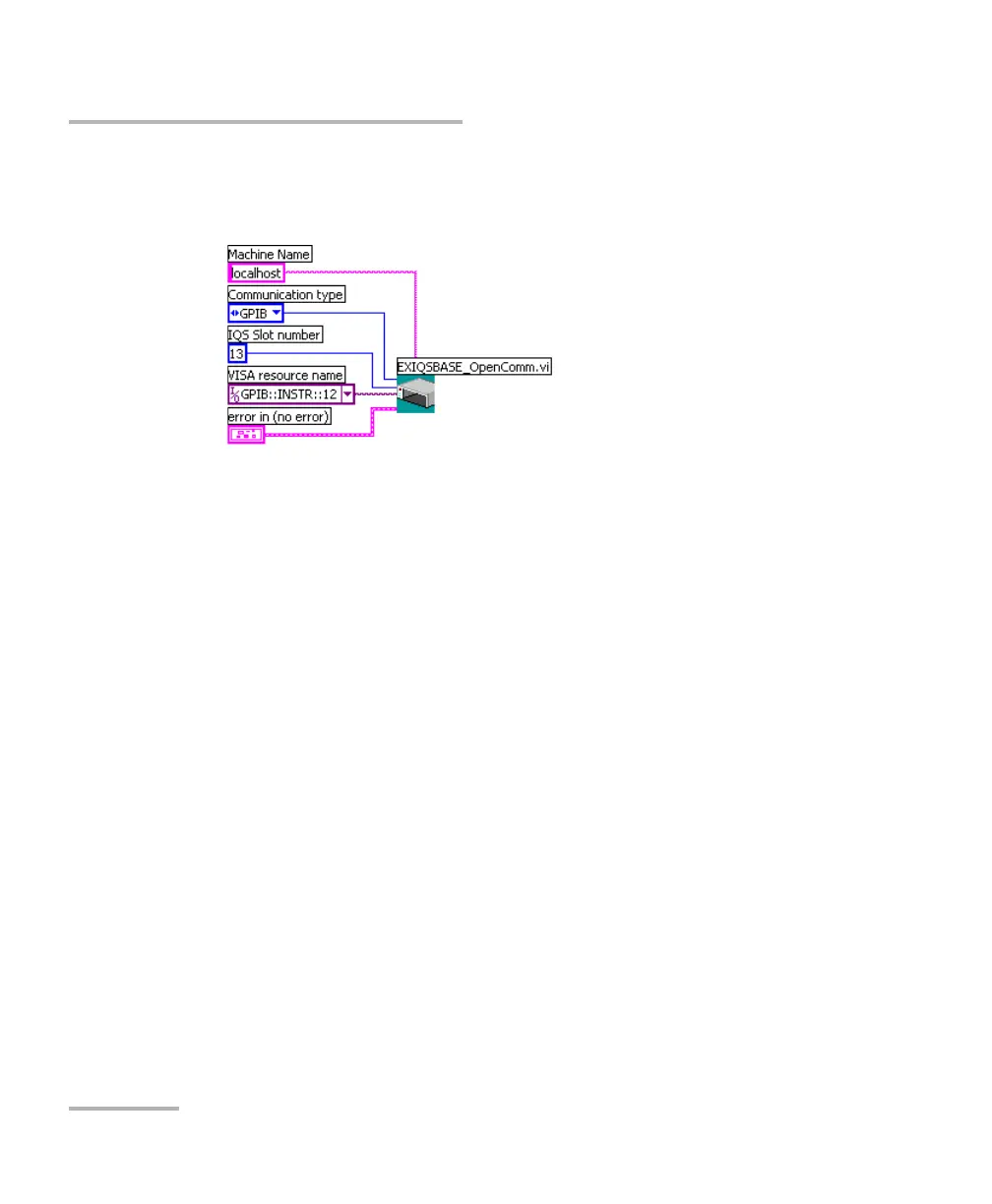
4. From the EXFO IQS Base palette, select EXIQSBASE_OpenComm.vi
and add it to your new VI.
5. Set the communication parameters. For information on
communication parameters, see Working with EXFO LabVIEW Drivers
on page 239.
6. From the EXFO palette, select the desired instrument.
7. From the instrument’s palette, select the function you need and add
the corresponding driver to your VI.



 To Next Page