Using FTB Products in an Automated Test Environment
FTB-500 251
Building and Using Custom VIs
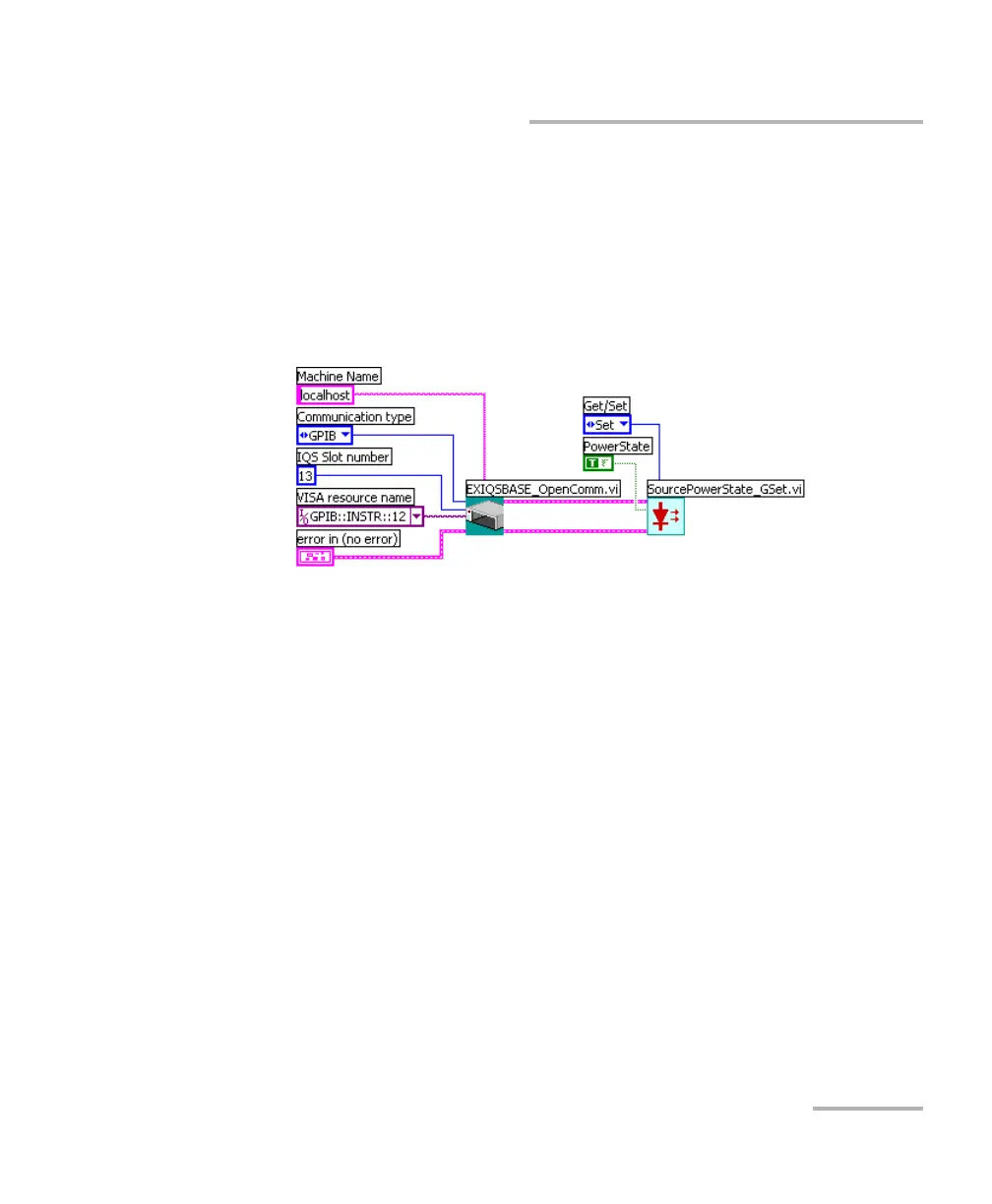
8. Set the required parameters and connect the instrument
Communication ID in parameter to the Communication ID out
parameter from EXIQSBASE_OpenComm.vi.
The example below shows how to configure the
SourcePowerState_GSet.vi to turn on the tunable laser source. In this
example, Set was chosen and the PowerState parameter was set to
True.
9. Repeat steps 7 and 8 for each of the functions you want to use.
However, you have to link Communication ID in of the new driver to
Communication ID out of the preceding driver.
Note: If you want to use platform or IEEE 488.2 commands, add the desired driver
to your VI and configure its parameters exactly as you would do with any
instrument function.



 To Next Page