Using FTB Products in an Automated Test Environment
252 FTB-500
Building and Using Custom VIs
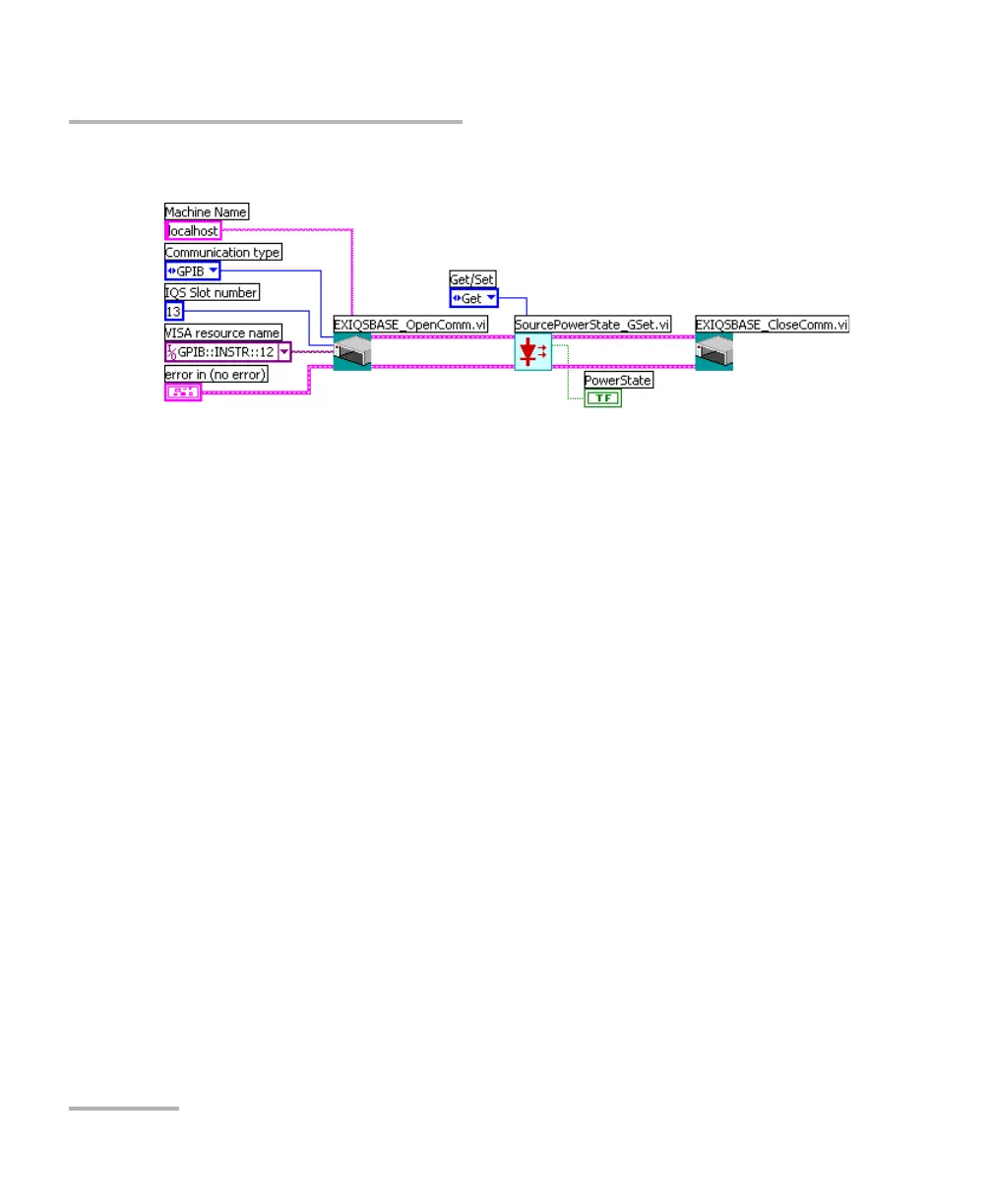
10. When you are finished, add EXIQSBASE_CloseComm.vi to your VI.
Connect the Communication ID out parameter of the last function to
the Communication ID in parameter of EXIQSBASE_CloseComm.vi.
Note: You only have to open communication once at the beginning, and close it
when all of the desired functions will have been added.
11. Save your work.
To use your new VI:
1. Turn on the FTB-500 unit, start ToolBox, and ensure that all the
remote-control parameters are set correctly.
2. From LabVIEW, run the VI.



 To Next Page