Maintenance
FTB-500 277
Installing or Removing the Power Meter and VFL
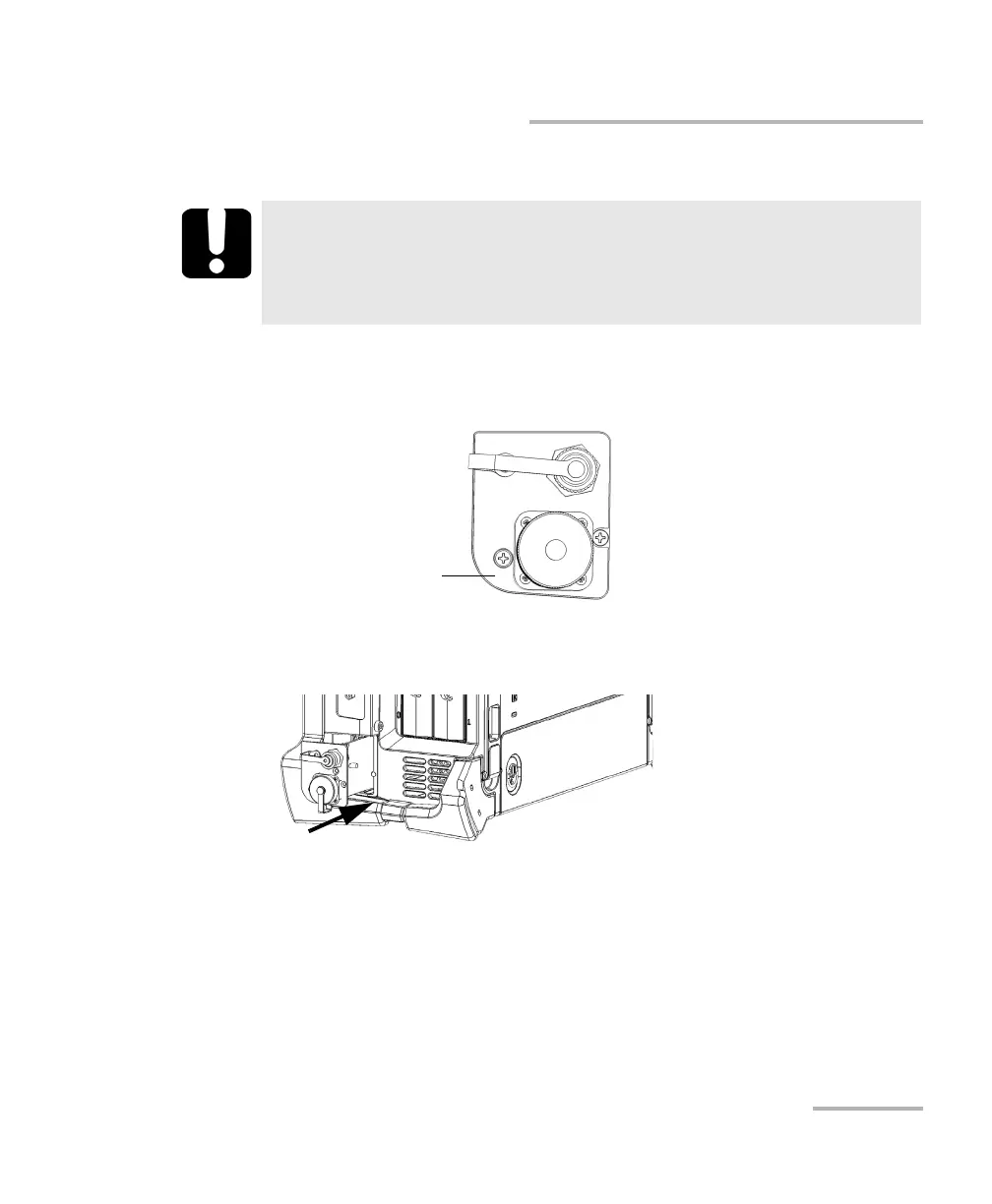
6. Remove the protective cover.
7. By holding the power meter by its faceplate, position it so that the
rounded corner is on the left.
8. Carefully align the power meter with the corresponding bay.
9. Gently slide the power meter into the bay until its faceplate is flush
with the edge of the bay. As the power meter reaches the back of the
bay, you should feel a slight resistance, indicating that it is properly
connected inside the unit.
Note: If the power meter slides all the way into the bay without any resistance, it
probably means that it is not properly inserted.
IMPORTANT
Do not discard the protective cover. You will need it to protect the
power meter bay if you ever send the power meter for
recalibration.



 To Next Page