Maintenance
278 FTB-500
Installing or Removing the Power Meter and VFL
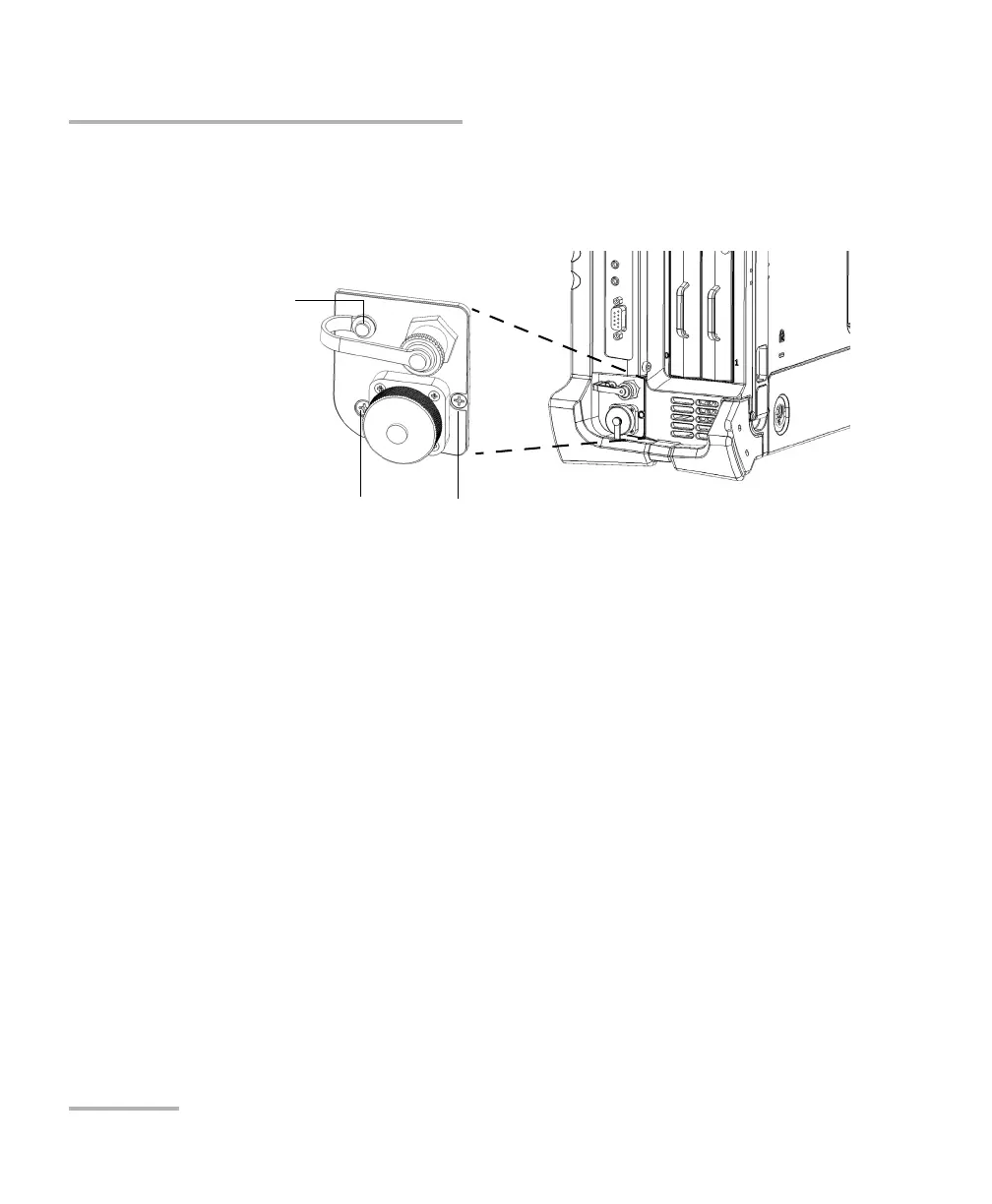
10. Using a screwdriver, secure the power meter in place with the screws
that you have removed at step 5, ensuring that one of the screws
passes through the loop of the VFL cap to secure it in place.
11. Remove your antistatic strap.
12. Connect your unit to an external power source if desired.
13. If necessary, turn on your unit.
14. Start the power meter application to ensure that the instrument is
working properly.
Note: If the power meter is not detected, this could mean that it is not inserted
properly in the unit. In this case, repeat the installation procedure. If the
problem persists, contact EXFO.
Screw passing through the
loop of the VFL cap
Screw Screw



 To Next Page