Troubleshooting
FTB-500 299
Restoring Your Unit to Normal Operation
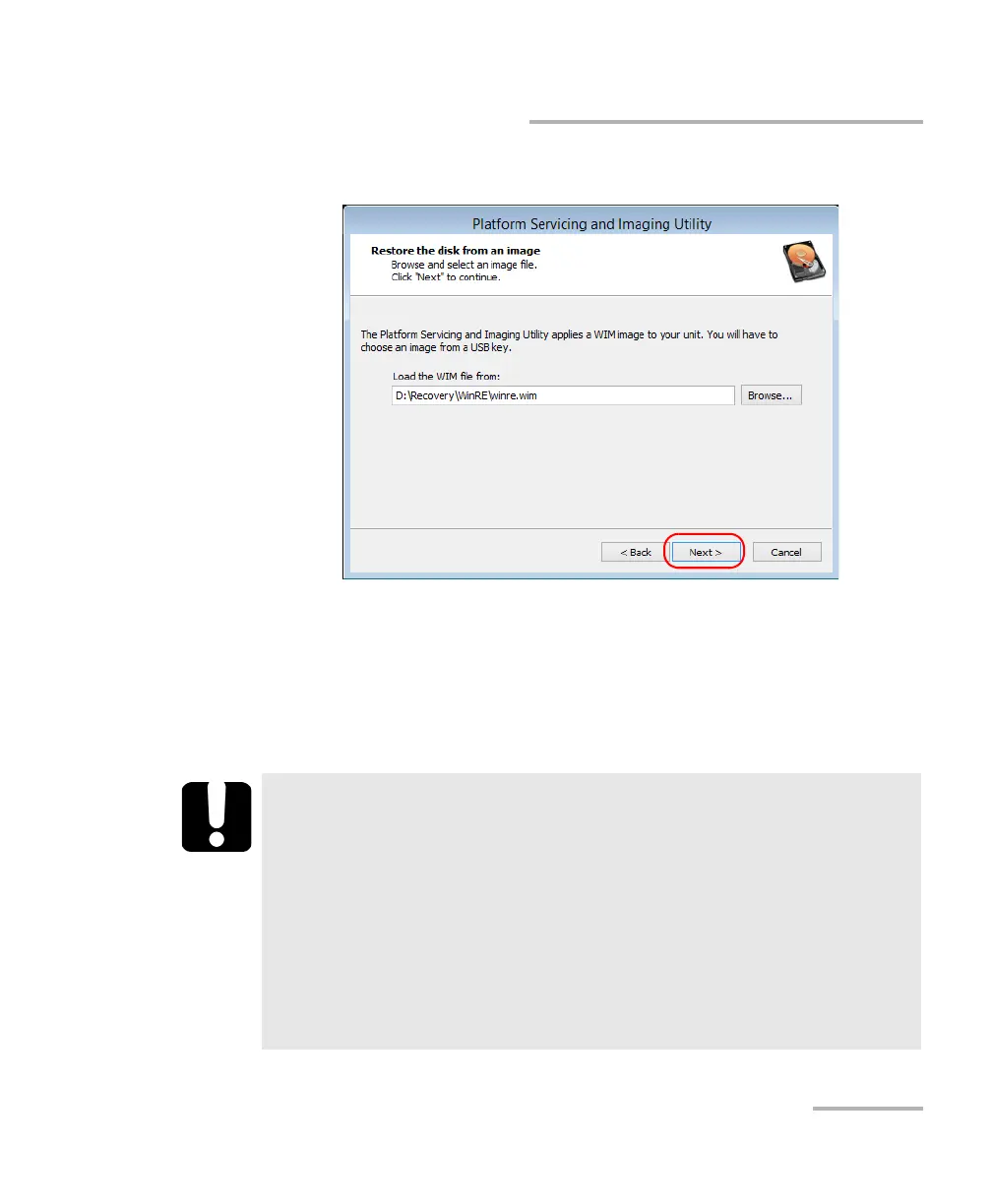
9f. Tap Next.
9g. Read the warning, and then tap Start to restore the unit with the
selected image.
9h. When the operation is complete and the application prompts you,
disconnect the USB key, and then tap OK.
The unit will restart.
IMPORTANT
The creation of a WIM file implies a compression of the files that are
currently installed on your unit. The size of the files after
compression cannot be estimated beforehand.
For this reason, the application WILL NOT PROMPT YOU AT THE
BEGINNING of the operation if the storage capacity (or the file
system) of your USB key is not appropriate.
To avoid problems, always use a USB key with an NTFS file system,
and a minimum of 16 GB of free disk space.



 To Next Page