Troubleshooting
300 FTB-500
Restoring Your Unit to Normal Operation
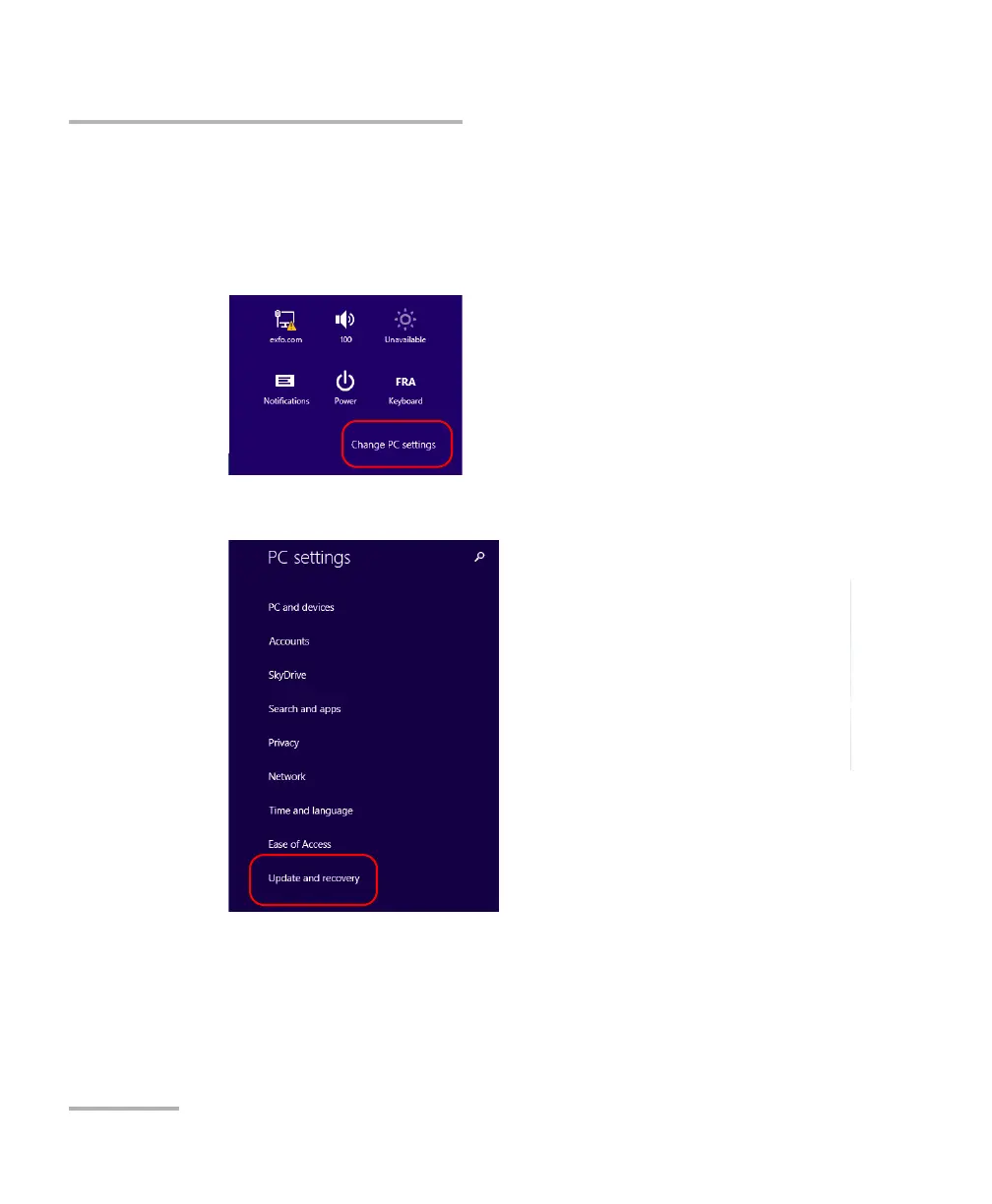
To create a WIM file for your unit:
1. On your unit, from the right side of the screen, swipe left to display the
Charm bar.
2. Tap Settings > Change PC settings.
3. Tap Update and recovery.



 To Next Page