Communicating Through TCP/IP over Telnet
FTB-500 413
Configuring Your Unit and Modules to Work With TCP/IP over Telnet
To activate TCP/IP over Telnet on your unit:
1. Access the Instrument Control Configuration utility:
On an IQS-600: From IQS Manager, click the Utilities function tab,
and then click Instrument Control Configuration.
On an FTB-500: From ToolBox, tap the System Settings button,
then tap Instrument Control Configuration.
On an FTB-2/FTB-2 Pro, an LTB-1, or an LTB-8: From ToolBox X, tap
or click the System Settings button, then tap or click Instrument
Control Configuration.
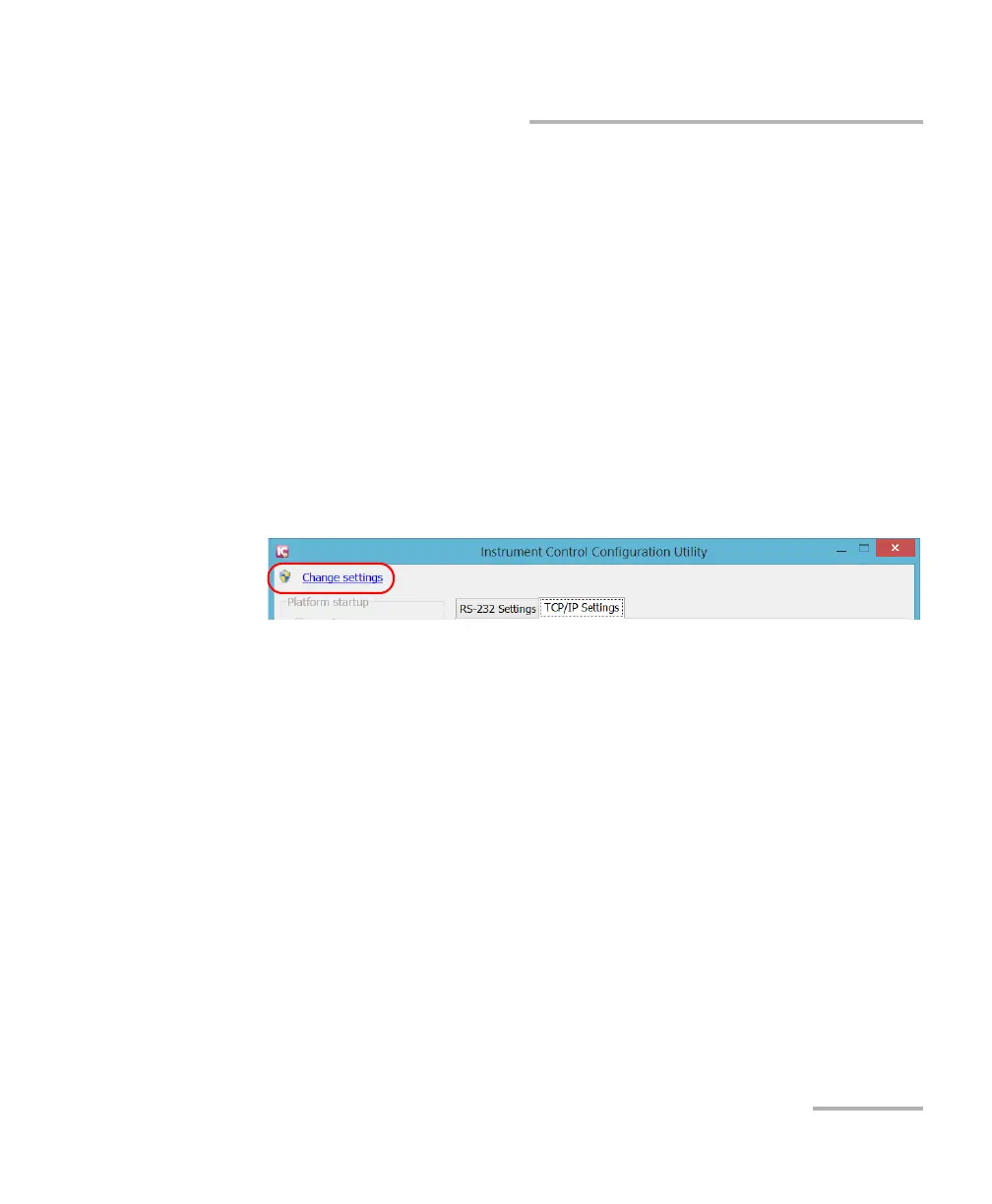
2. If necessary, tap or click Change settings, and then, when the
application prompts you to authorize the changes to your unit
(identified as “computer”), select Yes.



 To Next Page