Setting Up Your FTB-500
76 FTB-500
Enabling or Disabling the Automatic Logon
To enable the automatic logon:
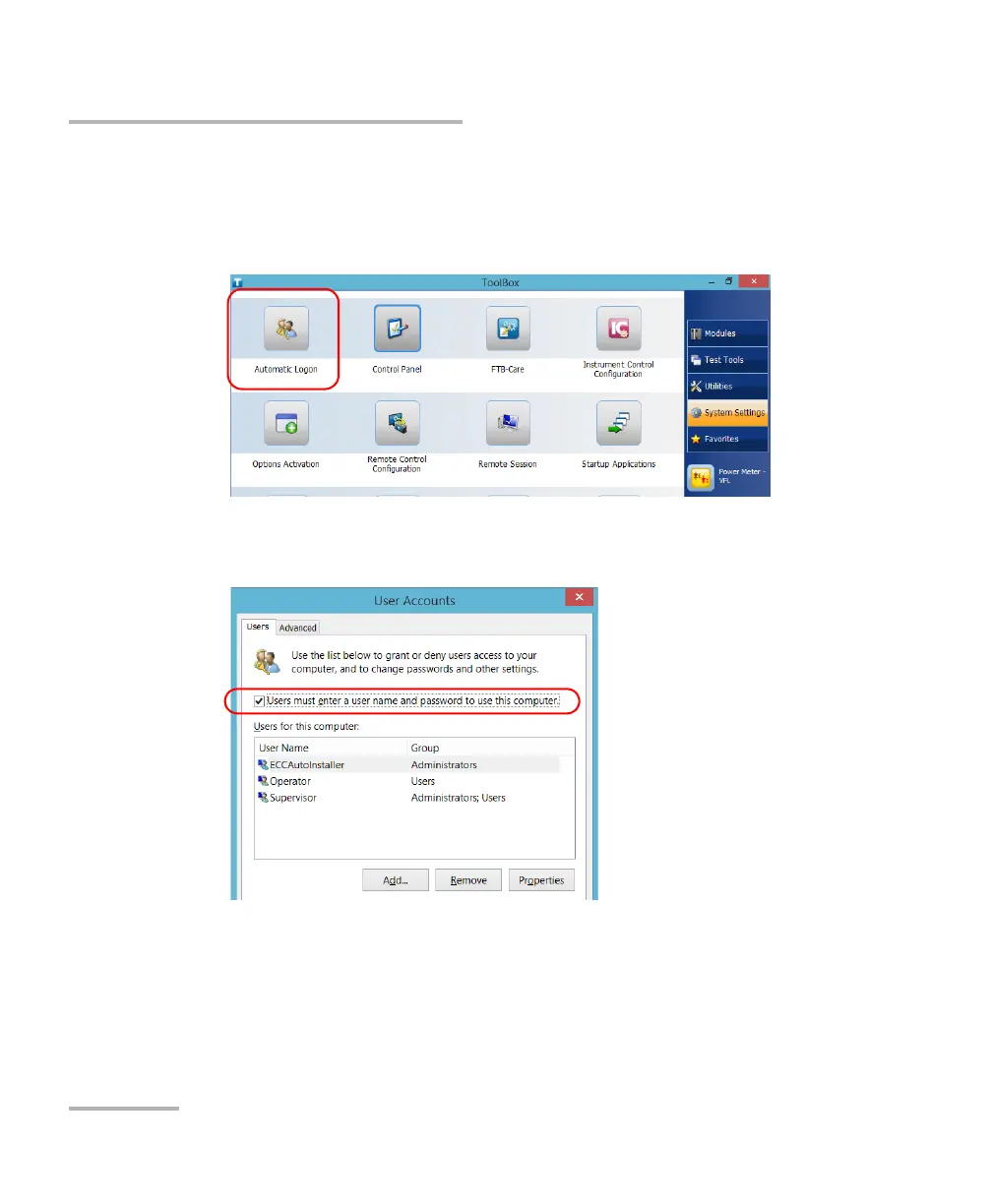
1. From the main window, tap the System Settings button.
2. Tap Automatic Logon.
3. From the User Accounts window, clear the Users must enter a user
name and password to use this computer check box.
4. Tap OK to confirm.



 To Next Page