Setting Up Your FTB-500
FTB-500 77
Enabling or Disabling the Automatic Logon
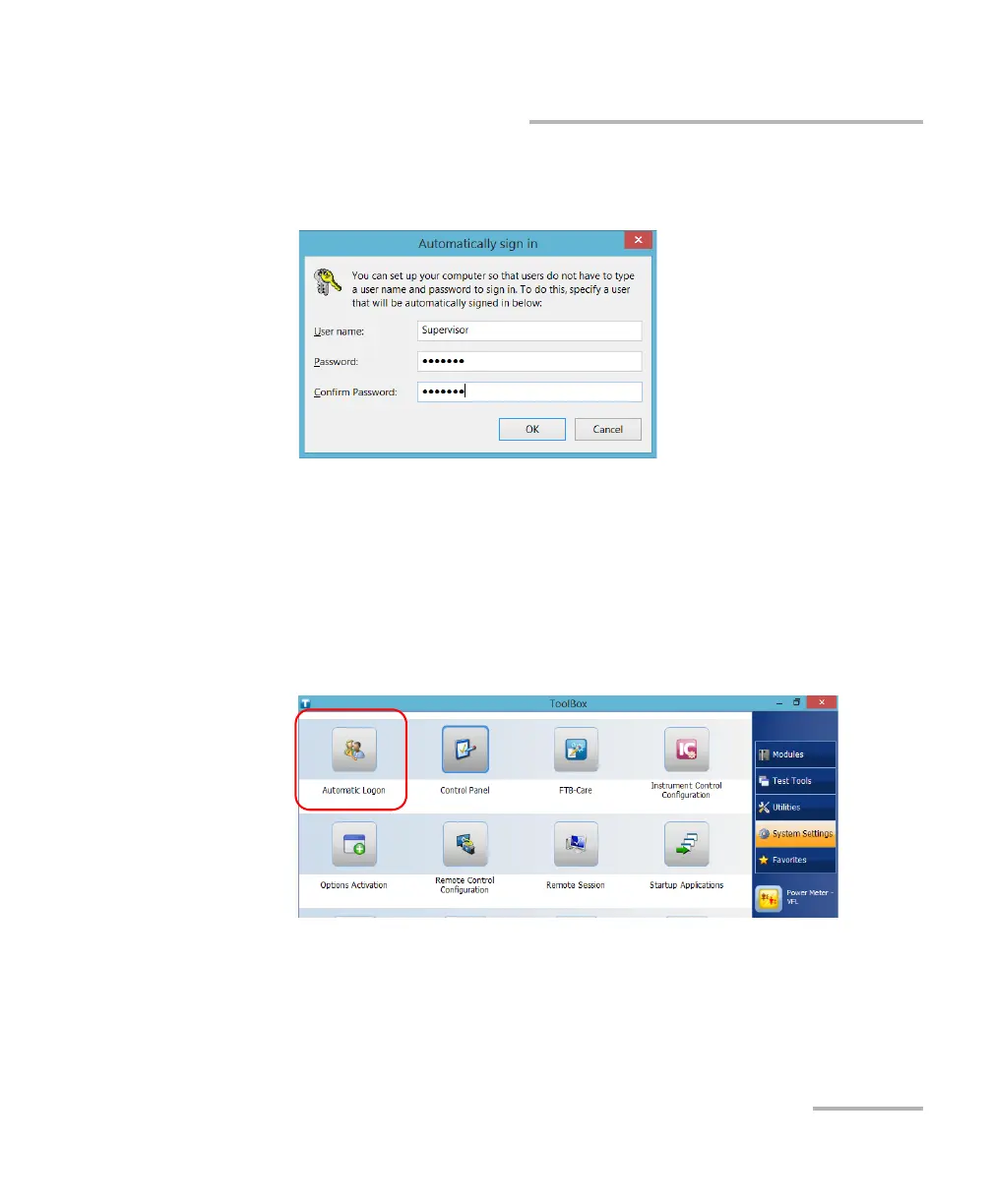
5. Enter the desired user name (account) and the corresponding
password.
6. Tap OK to confirm and to return the System Settings window.
At next startup, you will no longer need to specify a user name and
password (except if the unit comes back from sleep mode).
To disable the automatic logon:
1. From the main window, tap the System Settings button.
2. Tap Automatic Logon.



 To Next Page