Room Scheduling System • EMS Setup 47
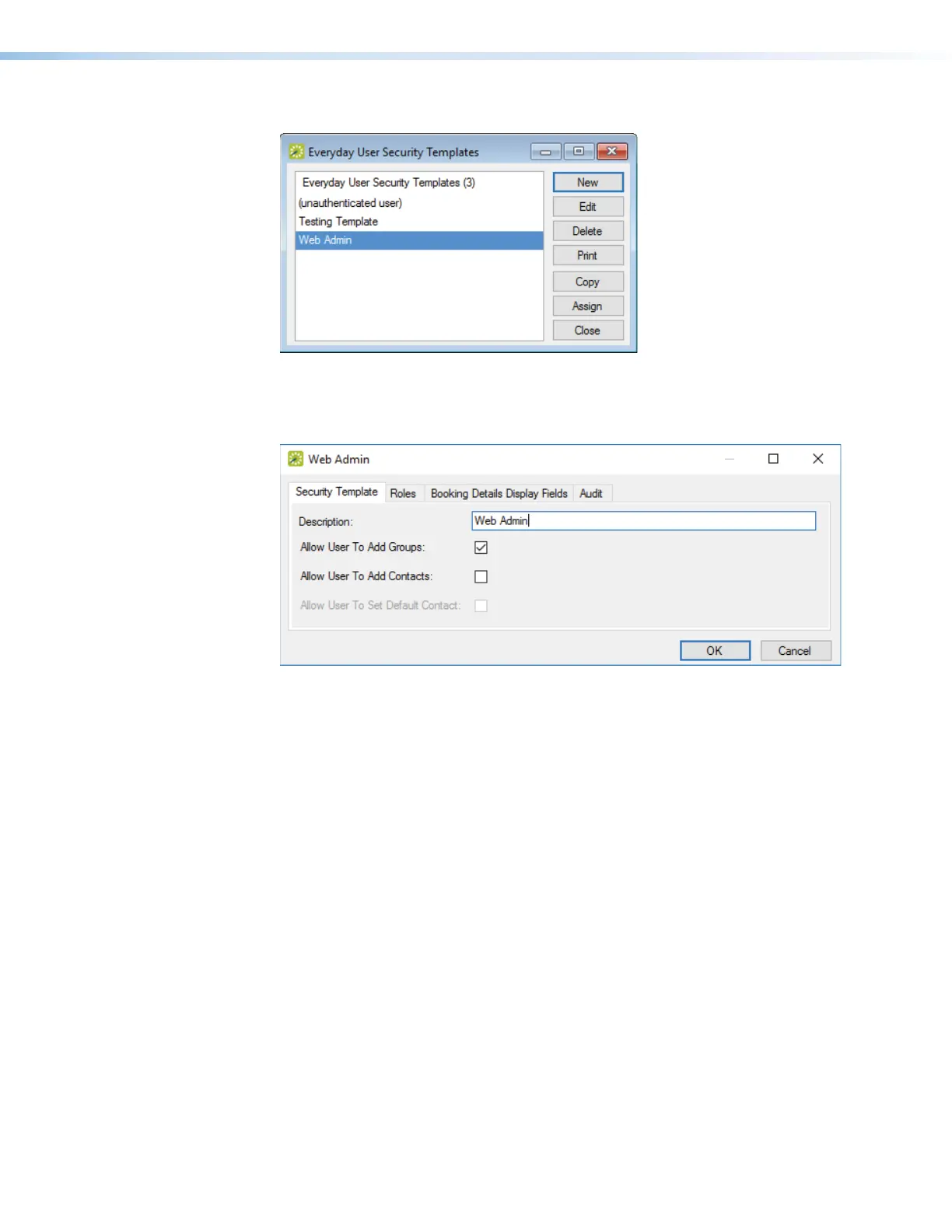
The Everyday User Security Templates dialog box opens (see figure 46).
1111111111
1111
Figure 46. Everyday User Security Templates Dialog Box
3. Click New (
1
).
A new security template dialog box opens (see figure 47).
1111111111
1111
2222222222
2222
Figure 47. Security Template Dialog Box
4. Enter a description for the security template (
1
).
5. Click the Roles tab (
2
).



 To Next Page