Room Scheduling System • Room Agent Installation and Configuration 16
Start the Program
NOTE: See also System Communications Overview on page 86.
Start the Extron Room Agent software by double-clicking the desktop icon or as follows:
1. Click Start > All Programs > Extron Electronics > Extron Room Agent >
Extron Room Agent.
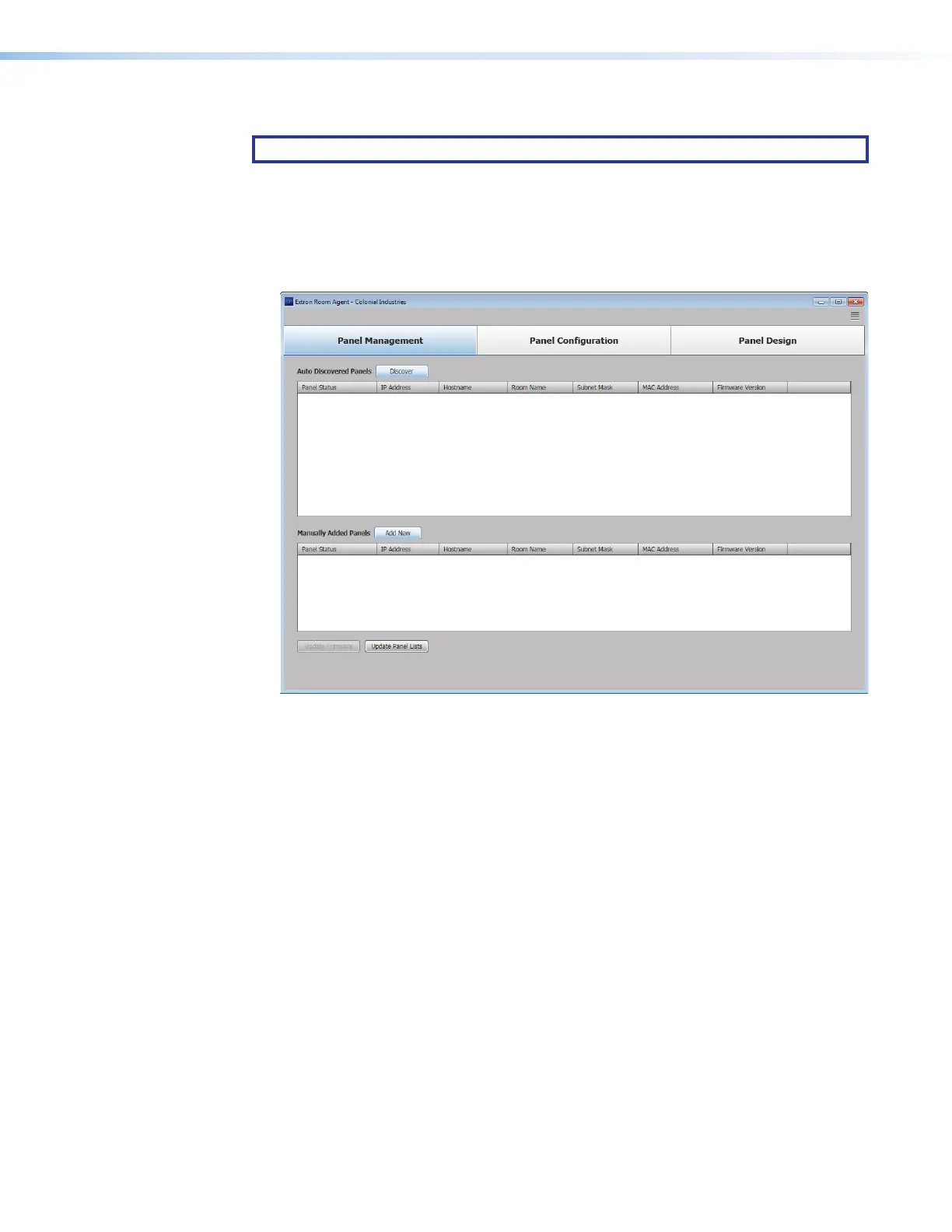
The Room Agent software opens in the Panel Management view (the Panel
Management tab selected) (see figure 10).
1111111111
1111
2222222222
2222
Figure 10. Room Agent Startup — Panel Management View
figure 10



 To Next Page