Room Scheduling System • Room Agent Installation and Configuration 36
Show Available Network Adapters
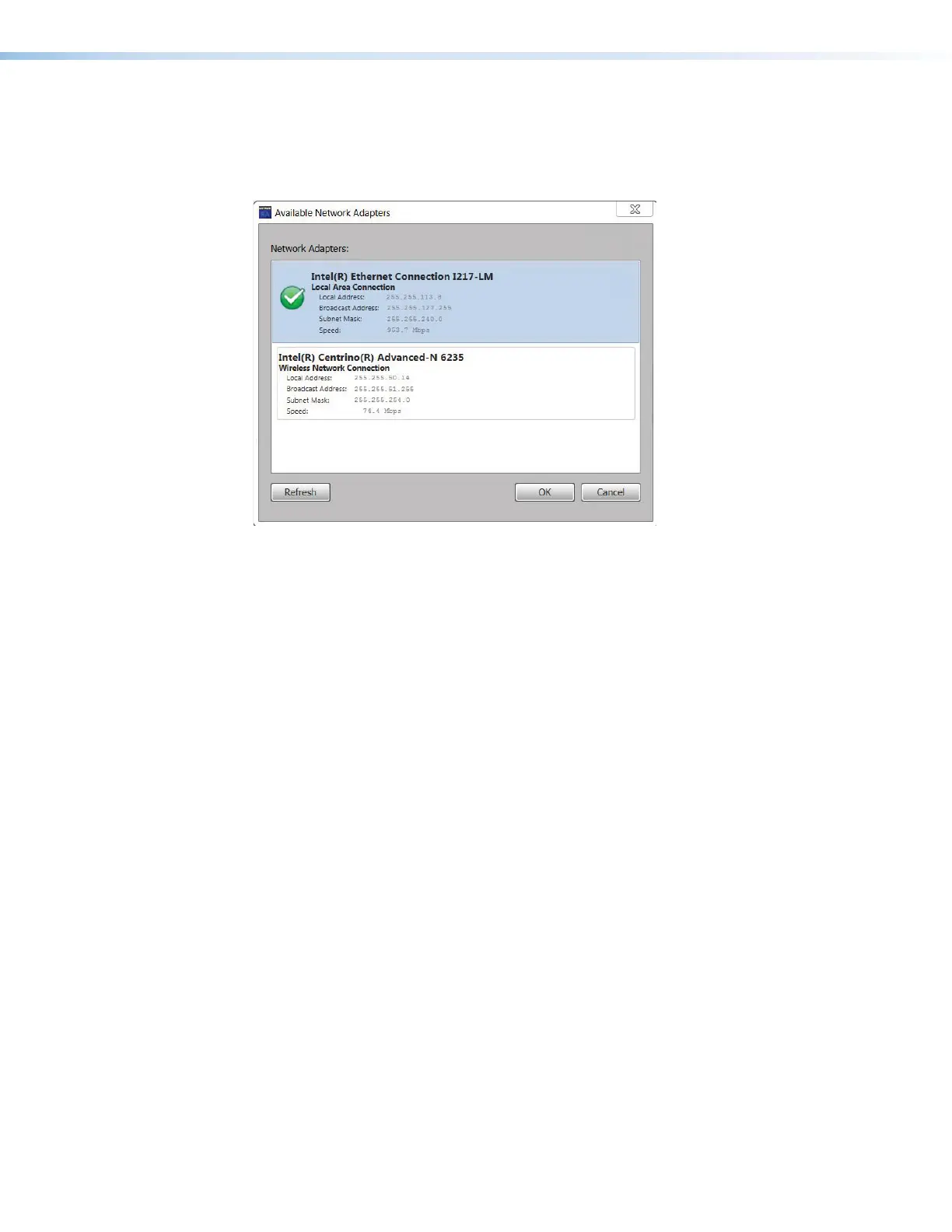
Room Agent can show you all of the network interfaces available on the computer for you to
use in communications and allow you to select the active one. Type <Ctrl>+<Shift>+<F2>
to open a dialog box displaying the available controllers (see figure 30).
1111111111
1111
4444444444
4444 2222222222
2222
Figure 30. Available Network Controllers Dialog Box
Select a network controller as follows:
1. Click the desired controller (
1
).
2. Click OK (
2
).
To close the dialog box without selecting the controller, click Cancel (
3
).
To refresh the view, click Refresh (
4
).



 To Next Page