Room Scheduling System • Room Agent Installation and Configuration 35
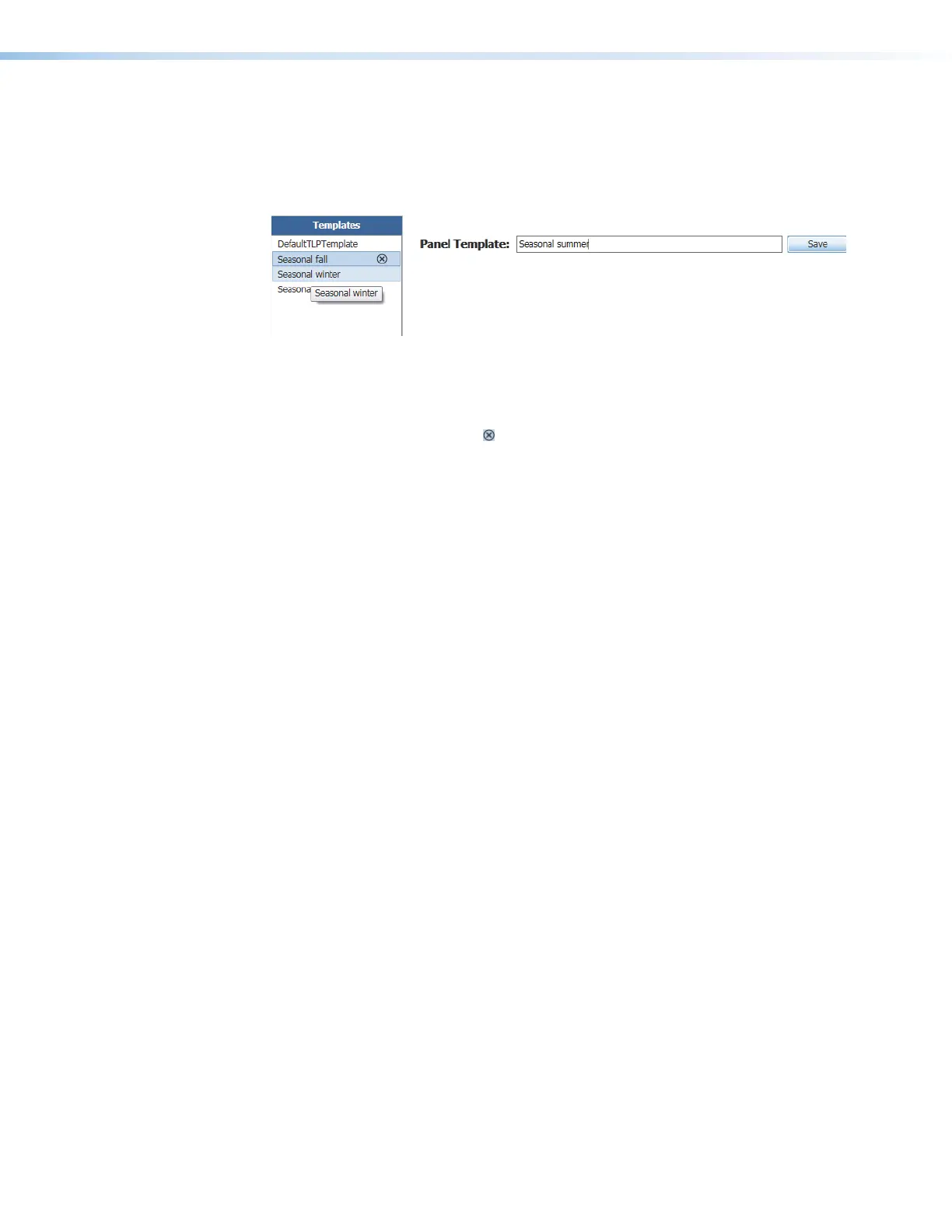
Templates pane
Templates, such as the default DefaultTLPTemplate, which is the default that is installed
as part of the Room Agent installation, allow you to create a number of customized panel
appearances. Each panel in a system can have its own template, assigned on the Panel
Configuration window. Select the templates on the Templates pane (see figure 29).
33
3333333
4
44444444
22
22222222
Figure 29. Templates Pane and Drop-down list
• To assign the appearance of a displayed template to the panels, double-click a
displayed template (
1
).
• To delete a template, click the
(
2
).
• To add a new template:
• Type a name in the Panel Template: field (
3
).
• Click the Save button (
4
).



 To Next Page