Room Scheduling System • Room Agent Installation and Configuration 34
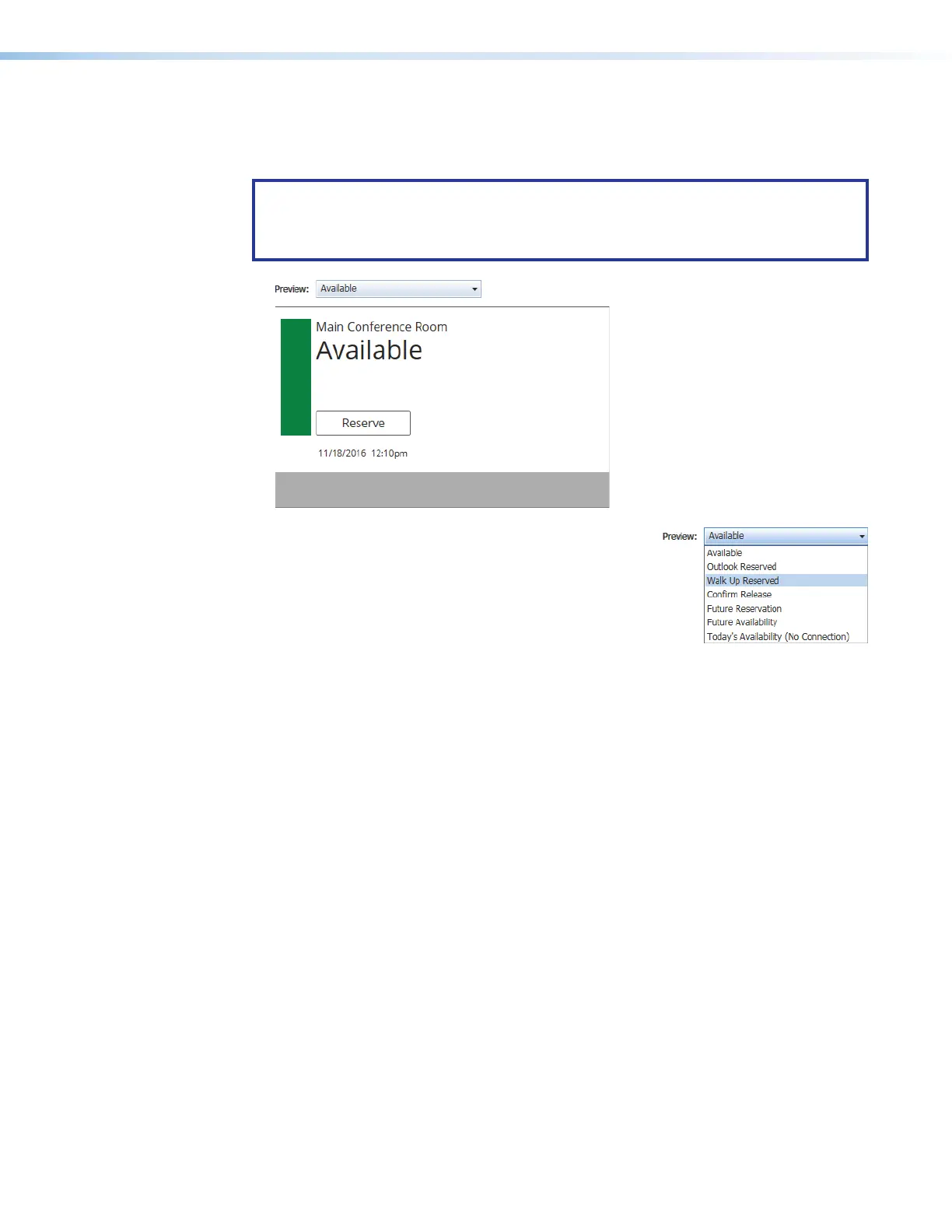
Preview pane
The preview pane (see figure 28,
1
) shows the effects of changes that you make using the
controls within the panel design pane.
NOTE: The preview pane contains hardcoded, sample, entries. The layout and
appearance of this pane change to reflect your changes in the design pane, but,
other than the date and time, the content, such as “Main Conference Room”, do not
change.
Figure 28. Preview Pane and Drop-down list
2
Preview: drop-down list — The Preview:
drop-down list lets you select among various
display possibilities so that you can further refine the
appearance of panels in all of these circumstances.



 To Next Page